Change the general collection rate for your server in Commandline Manager.
- Stop your The Front server and wait for Stopped.
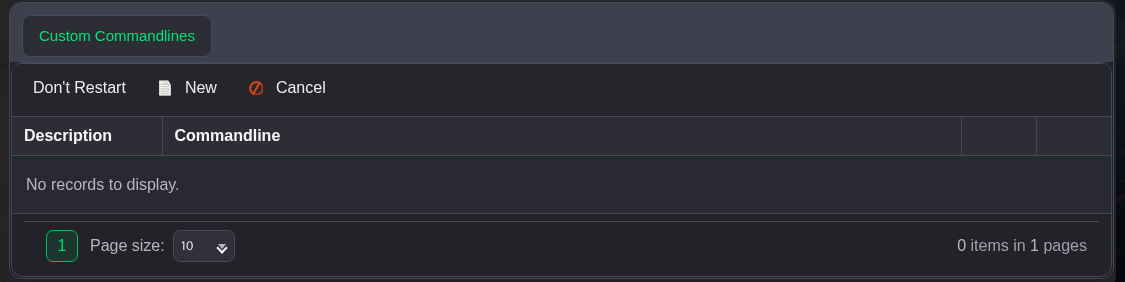
- Open Commandline Manager. Click Edit beside the custom profile you use. If you do not have one, click New and enter a description such as Community settings.
- Scroll to Resource collection rate, tick its selection checkbox and enter your value. The example uses
2; the panel's standard value is1. Keep the other selected settings in place.
- Click Save at the bottom of the form, then click Select beside that profile. Scroll the command-line table to the right if the action links are off screen.
- Return to the service page and start the server.
This is a separate control from the wood, plant, ore, crop and animal production settings listed below it.
