Recover The Front's saved files from a dated panel backup. Keep a separate copy of any newer files you still need before restoring.
- Stop the server and wait for Stopped.
- Open Restore Backup, select the dated ZIP under Select a backup to restore and tick Are you sure?.
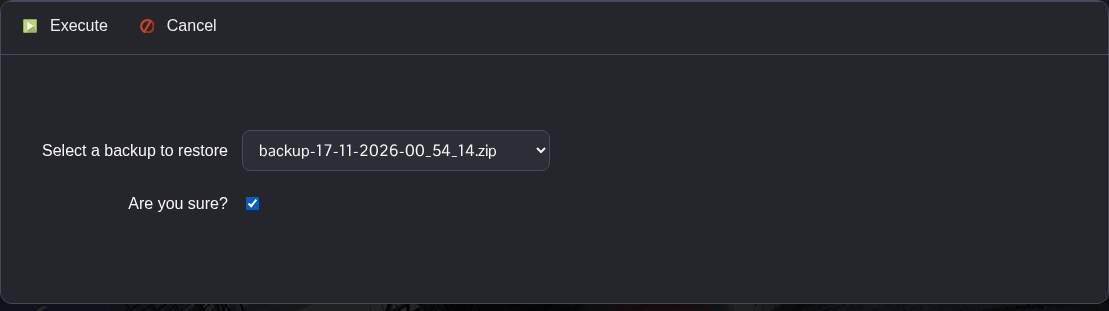
- Click Execute and wait for the script to finish successfully.
- Open File Manager and check the restored files under
Saved/GameStates. You can also access them through FTP. TheWorldssubfolder holds theProjectWar_Startworld files. - Review your Commandline Manager profile, then start the server. Its settings are separate from the files restored by this archive.
The backup also contains generated configuration and logs under Saved. It excludes the manager INI outside that folder.
