Use Steam Update to download and validate The Front's dedicated server files.
- Stop your server and create a world backup. Record your custom command-line settings separately.
- Open Steam Update. The job can start as soon as the page opens, so do this once your players have finished.
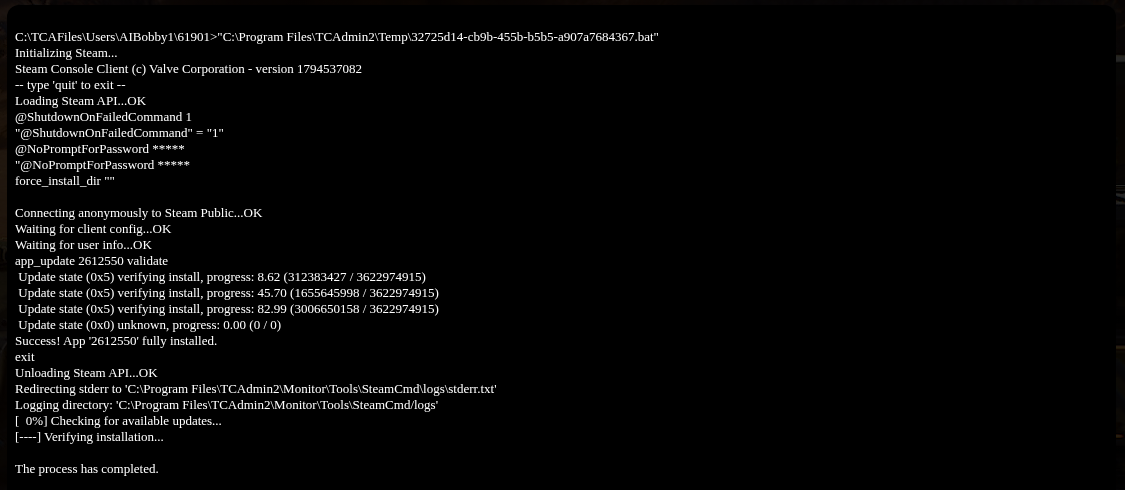
- Wait for SteamCMD to report that the application is fully installed and the process has completed. Do not open another update while the first job is running.
- Review the selected Commandline Manager profile, start the server and check the latest
console.log. Install any available game-client update before reconnecting.
