当 Mordhau 发布更新或玩家遇到版本不匹配时,请使用 Steam Update。开始前通知在线的玩家,若服务器包含需要保留的配置或上传的文件,请先 备份服务器。
- 在控制面板中打开你的 Mordhau 服务器。
- 停止服务器,并等待直到其完全离线。
- 点击 Steam Update.

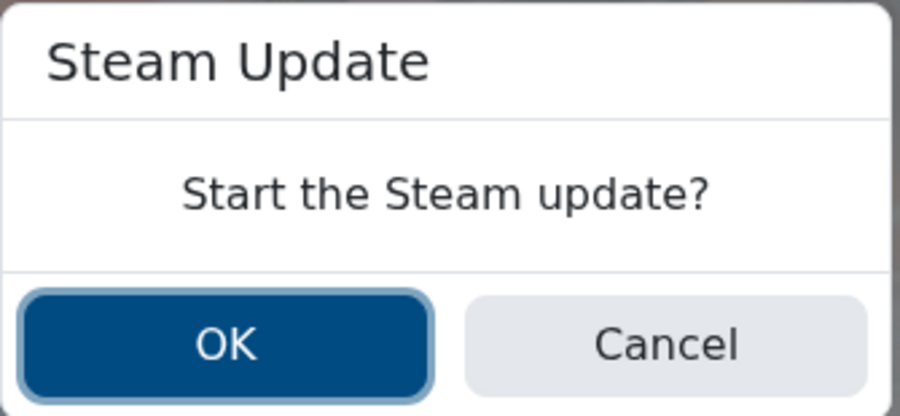
- 确认 Steam Update 提示。
- 等待更新任务完成。在更新运行期间不要启动服务器。
- 启动服务器,然后加入游戏或检查控制台以确认其正常加载。
如果更新失败,请保持服务器处于已停止状态并再次运行 Steam Update。如果仍然失败或玩家仍看到版本不匹配,请检查 Web Console 或 Log Viewer,然后 提交支持工单,附上更新输出和任务运行时间。
