ARK的昼夜长度由GameUserSettings.ini中的速度比例设置控制。降低白天速度会使白天持续更长时间;提高夜晚速度会使夜晚过得更快。
- 在控制面板中打开您的ARK服务器。
- 点击配置文件。
- 使用文本编辑器或配置编辑器打开
GameUserSettings.ini。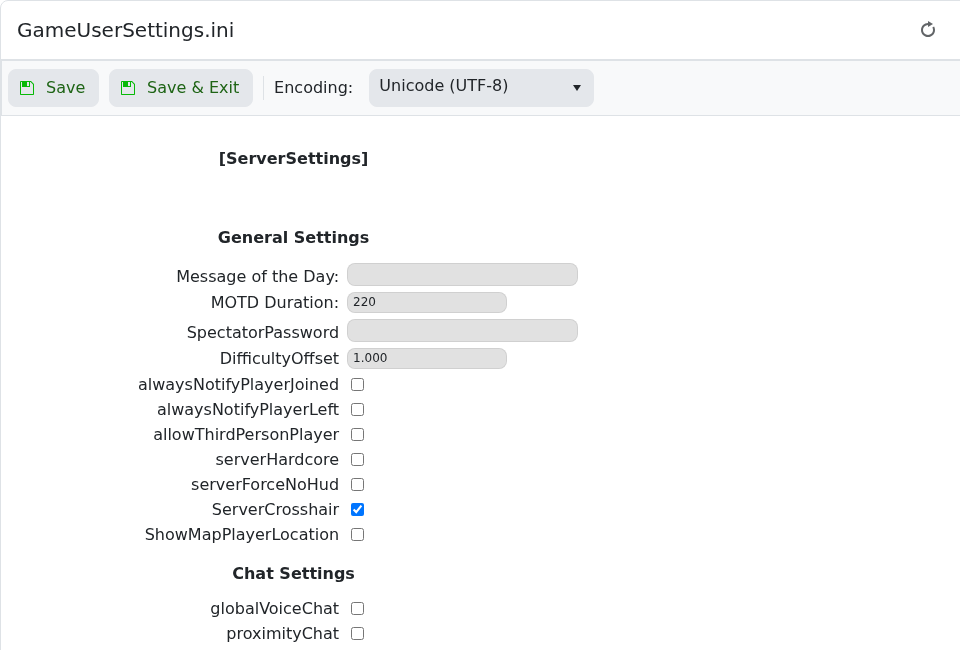
- 在
[ServerSettings]下添加或编辑这些值:DayTimeSpeedScale=0.7 NightTimeSpeedScale=3.0 - 点击保存并退出,然后重启服务器。
| 设置 | 功能 |
|---|---|
DayTimeSpeedScale | 控制白天的流逝速度。较低的值使白天持续更长时间。 |
NightTimeSpeedScale | 控制夜晚的流逝速度。较高的值使夜晚过得更快。 |
GlobalSpoilingTimeMultiplier | 不是昼夜设置,但通常与时间平衡一起更改,因为较慢或较快的白天会影响玩家管理食物的方式。 |
为了获得更长的白天和更短的夜晚,请使用较低的DayTimeSpeedScale和较高的NightTimeSpeedScale。保存后重启服务器以便ARK重新加载这些值。
