位于 ServerAnnouncements.txt 的消息会作为服务器公告广播给玩家。
- 打开 Blackwake 服务并停止它。
- 点击 Configuration Files,然后在
ServerAnnouncements.txt旁点击 Config Editor。 - 点击 New Announcement 并输入消息。
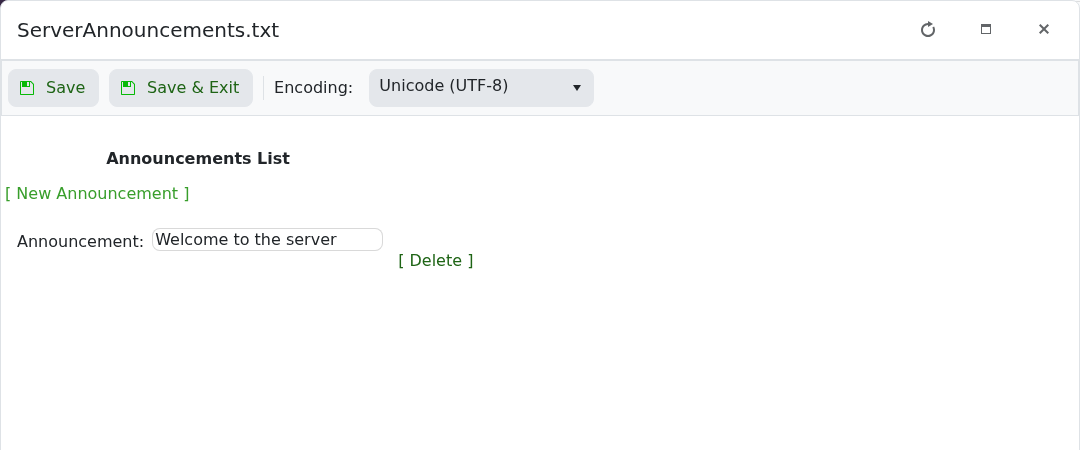
- 添加其他消息,点击 Save & Exit,然后启动服务器。
保持公告简短,确保在游戏过程中可以阅读。使用条目旁的 Delete 来删除旧消息。
位于 ServerAnnouncements.txt 的消息会作为服务器公告广播给玩家。
ServerAnnouncements.txt 旁点击 Config Editor。
保持公告简短,确保在游戏过程中可以阅读。使用条目旁的 Delete 来删除旧消息。
