Miscreated 的白名单在 whitelist.xml 中使用 17 位的 SteamID64 值。只有在选择了 Whitelist 预定义命令行时才会启用白名单。
- 收集每位可加入玩家的 SteamID64。
- 停止服务器并打开 配置文件。
- 打开
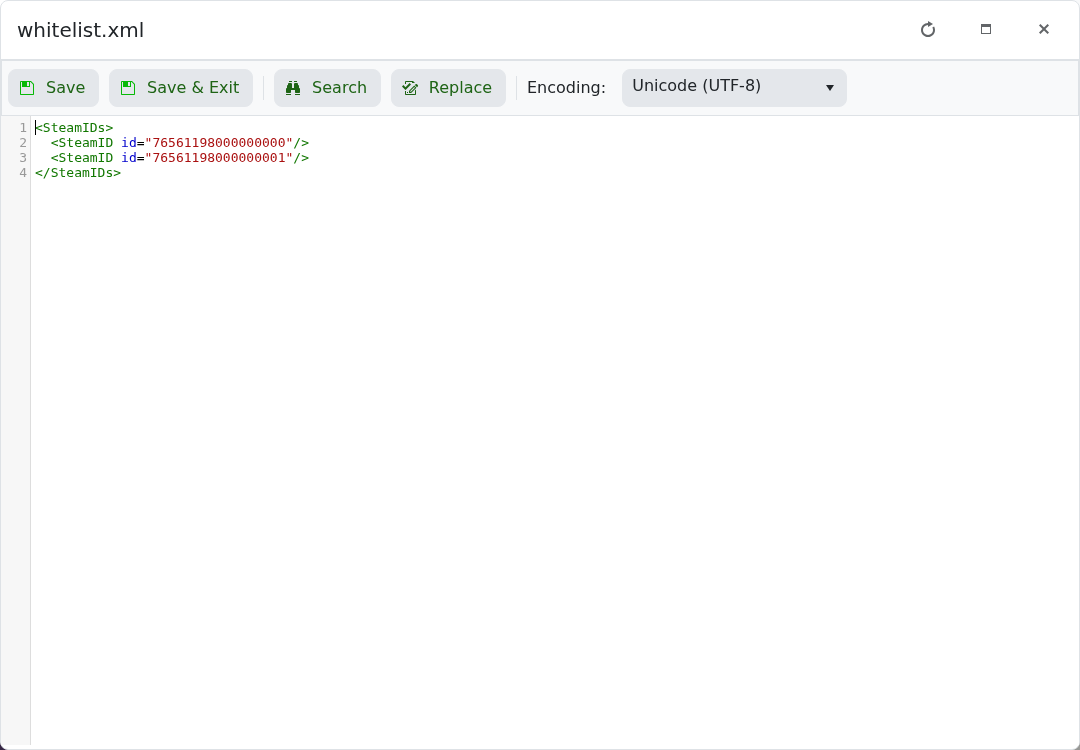
whitelist.xml的 文本编辑器,并在<SteamIDs>内为每位玩家添加一个元素:
<SteamIDs>
  <SteamID id="76561198000000000"/>
  <SteamID id="76561198000000001"/>
</SteamIDs>
- 保存文件并打开 命令行管理器。
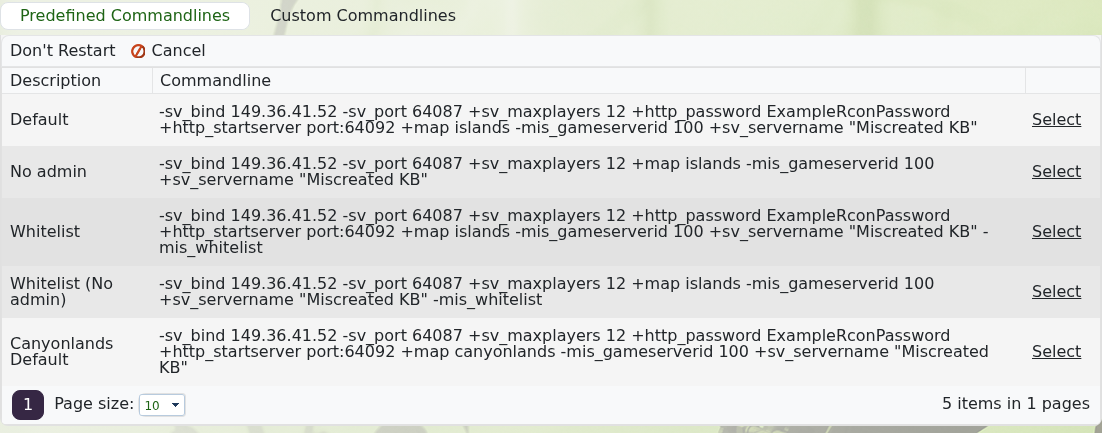
- 选择 Whitelist,或 Whitelist (No admin) 如果你不希望启用 RCON。
- 启动服务器并使用允许的账号进行测试。
要禁用白名单,请停止服务器并选择 Default 或 No admin。仅从 XML 文件中移除 ID 并不会移除 -mis_whitelist 启动选项。
