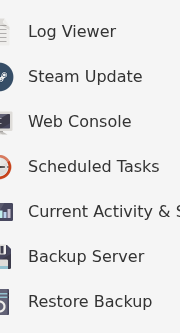
TCAdmin 可以在您更改设置或更新游戏之前创建服务器归档。生成的带日期的归档可以在 恢复备份 中获取。
- 停止服务器。
- 点击 备份服务器 并确认操作。
- 在启动服务器或编辑文件之前,等待任务完成。
要还原面板备份,请停止服务器,打开 恢复备份,选择所需的带日期归档,勾选 您确定吗? 并点击 执行。

还原会用所选归档中的文件替换现有文件。请保留第二份当前备份,直到确认还原后的服务器可以正常启动。
TCAdmin 可以在您更改设置或更新游戏之前创建服务器归档。生成的带日期的归档可以在 恢复备份 中获取。
要还原面板备份,请停止服务器,打开 恢复备份,选择所需的带日期归档,勾选 您确定吗? 并点击 执行。
还原会用所选归档中的文件替换现有文件。请保留第二份当前备份,直到确认还原后的服务器可以正常启动。
