如何查找并加入您的 Voyagers of Nera 服务器

列印
  • 0

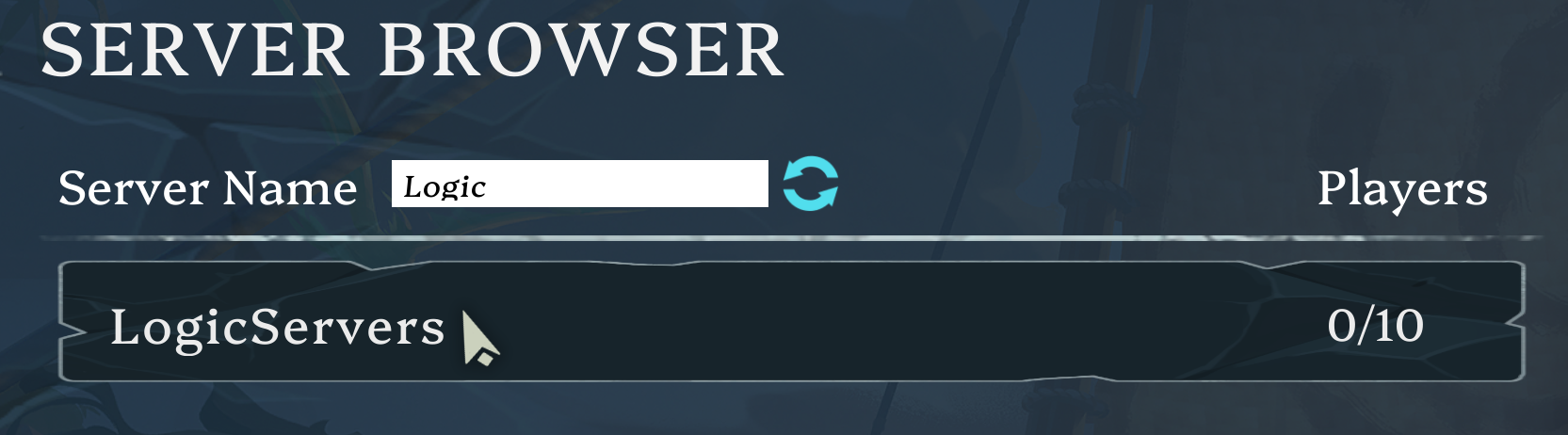
要加入 Voyagers of Nera 服务器,请在游戏内浏览器中使用控制面板中配置的服务器名称。

  1. 启动服务器并等待几分钟以完成注册。
  2. 通过 Steam 启动 Voyagers of Nera 并选择 Browse Games.
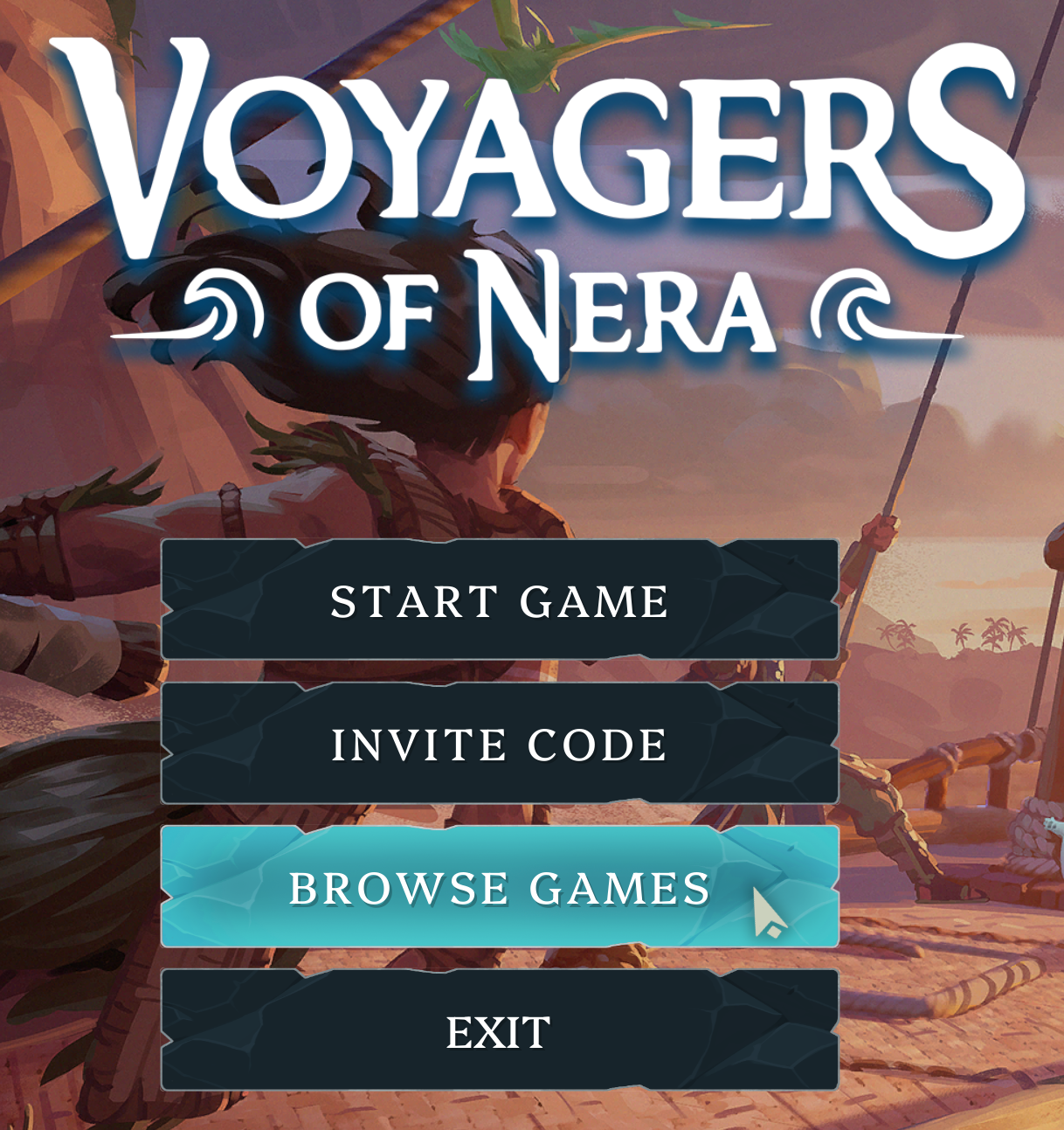
    Voyagers of Nera Browse Games 选项

  3. 搜索服务器名称。通常只需输入部分名称即可。
  4. 如果服务器设置了密码,请关闭 Only Joinable Server,以显示受密码保护的服务器结果。

    Voyagers of Nera Only Joinable Server 过滤器

  5. 选择搜索结果并点击 Join Game.

    Voyagers of Nera Join Game 按钮

如果找不到服务器,请检查服务器是否正在运行,搜索面板中配置的完整名称,并在重试前更新客户端和服务器。


這篇文章有幫助嗎?

相關文章

« 返回

Follow us on Social Media

Stay in the loop! Follow our social media accounts and stay up-to-date with the latest news, announcements, tips & tricks and behind-the-scenes insights!