选择一个尚未使用的世界名称,Necesse 就会创建一个新世界,同时保留之前的世界。请先备份,以便在需要时恢复之前的世界。
- 停止服务器,并等待状态显示为 Stopped。
- 打开 Configuration Files,然后点击
server.cfg旁边的 Config Editor。 - 将 World Name 更改为一个新名称,例如
NewWorld。请使用服务中尚不存在的名称。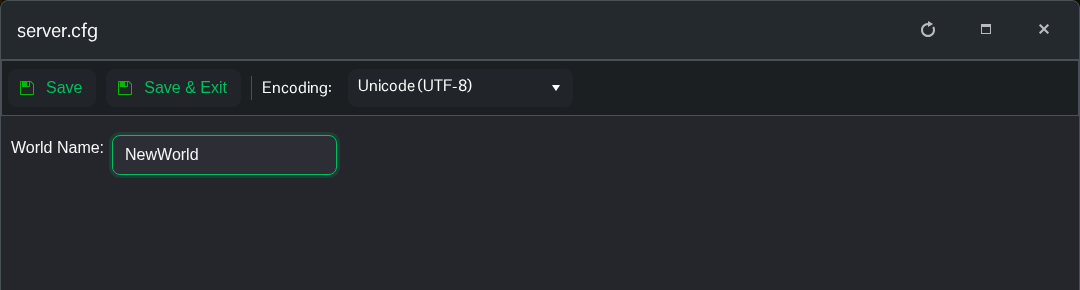
- 点击 Save & Exit 并启动服务器。首次启动时,Necesse 生成世界需要更长时间。
- 打开 File Manager,检查
saves/worlds中是否有新的世界文件夹。加载完成后即可加入。
要返回旧世界,请停止服务器,在 World Name 中填回旧世界的准确名称,保存后重新启动。选择已存在的名称会加载该世界,而不会重置它。确认不再需要旧文件夹之前,请保留该文件夹。
