使用 AddExpMultiplier 和 SkillExpMultiplier 分别设置角色和技能经验。本示例将两者的倍率都设为 2。
请使用 Text Editor 进行此更改。目前,Commandline Manager 中的倍率字段不会更改已保存的倍率。
- 在游戏控制面板中打开你的 Myth of Empires 服务,然后点击 Stop。等待服务停止后再更改设置。
- 打开 Configuration Files,然后点击
MOE\Saved\Config\WindowsServer\GameUserSettings.ini旁边的 Text Editor。 - 找到
[BaseServerConfig],并按下方所示更改现有行。保留该部分中的其他条目。[BaseServerConfig] AddExpMultiplier=2 SkillExpMultiplier=2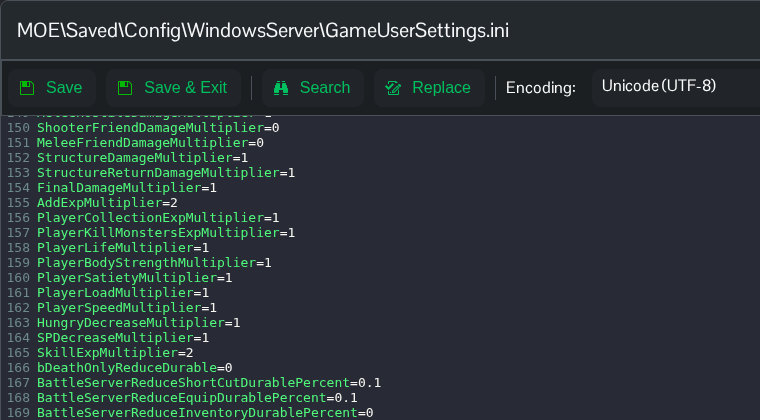
- 点击 Save & Exit,然后启动服务器。服务器启动后重新打开文件,确认所选数值仍已保存。
