从带日期的备份中恢复较早的 Myth of Empires 配置和世界。恢复前,请单独备份你想保留的较新文件。
- 在游戏控制面板中停止 Myth of Empires 服务器,并等待服务器停止。
- 打开 Restore Backup,选择所需的存档,并勾选 Are you sure?。
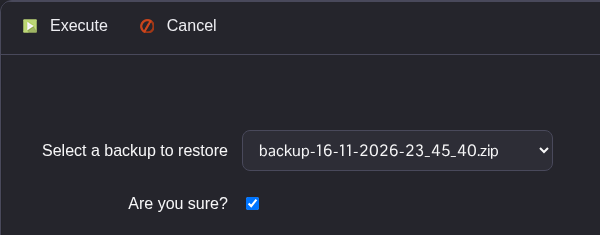
- 点击 Execute,等待恢复脚本成功完成。
- 打开 Configuration Files,并在 Text Editor 中检查
MOE\Saved\Config\WindowsServer\GameUserSettings.ini。启动前请检查恢复的设置。 - 在 Commandline Manager 的活动配置文件中,将 SaveID 和地图设为恢复的世界所使用的值。请明确输入 SaveID;切换到 Default 可能会保留最新的值。
- 启动服务器,并等待世界完全加载后再重新连接。
