在更改设置或切换存档槽之前,请备份 Myth of Empires 配置和世界。需要长期备份时,请另外下载一份副本。
- 在游戏控制面板中停止 Myth of Empires 服务器,并等待服务器停止。
- 打开 File Manager,它会从
MOE目录开始。前往Saved/Config/WindowsServer,右键点击GameUserSettings.ini并选择 Download。也请从Saved/SaveGames/World复制世界文件。你也可以通过 FTP 传输这些文件。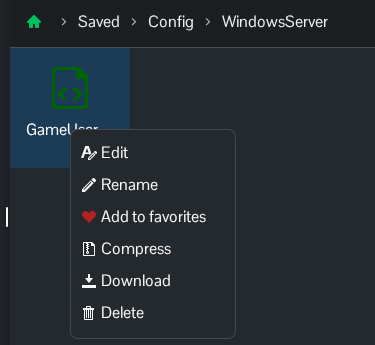
- 返回服务页面,点击 Backup Server,然后点击 OK 确认。
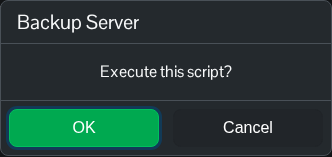
- 等待脚本报告已成功执行。打开 Restore Backup,检查列表中是否显示新的带日期归档,然后关闭还原页面。
控制面板备份包含 GameUserSettings.ini 以及 Saved/SaveGames/World 下现有的已保存世界。
