专用服务器需要最新的 Myth of Empires 文件时,请使用 Steam Update。
- 在游戏控制面板中打开你的 Myth of Empires 服务,然后点击 Stop。等待服务停止后再更改设置。
- 更新前,请备份服务器配置和已保存的世界。
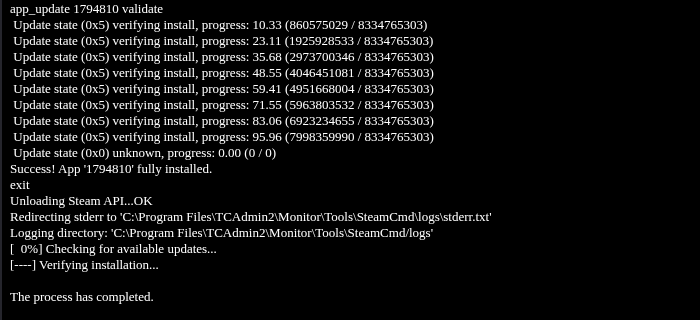
- 点击 Steam Update,然后点击 OK 确认。SteamCMD 会在打开的页面上运行。请等待安装成功和进程完成的消息。
- 返回服务页面并启动服务器。打开 Log Viewer,查看当前日志,例如
100.log。检查修改时间,确保查看的是最新一次启动的日志,然后等待SERVER_STATE_OPENED。 - 请玩家在重新连接前通过 Steam 更新游戏。
世界仍在加载时,面板可能会显示 Running。请等待新的 SERVER_STATE_OPENED 条目出现后再加入。
