您可以使用控制面板中 控制台 页显示的地址加入您的 Vintage Story 服务器。
- 在控制面板中打开您的 Vintage Story 服务器。
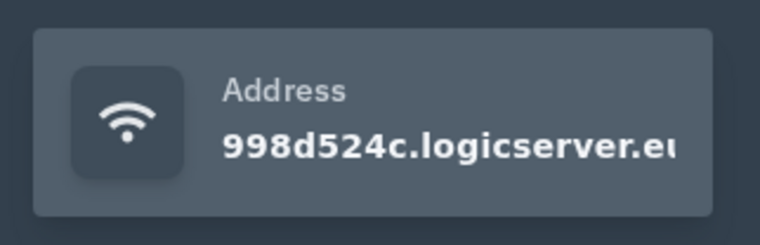
- 在 控制台 页面,复制右侧显示的服务器地址。您可以点击地址框以复制它。
- 在您的电脑上打开 Vintage Story。
- 进入多人服务器列表,使用控制面板中的地址添加或加入服务器。
- 如果您的服务器启用了密码,游戏提示时请输入密码。
如果服务器没有立即显示为在线,请确保在控制面板中已启动服务器,并等待一段时间以便服务器列表刷新。
如果服务器未出现
在控制面板中确认服务器已在线,然后刷新游戏内浏览器。服务器列表在重启后可能需要几分钟才能更新。如果支持直接连接,请使用控制面板中的服务器 IP 和端口。
连接检查
确保您的游戏客户端与服务器使用相同的分支或版本。模组、密码和白名单设置也可能阻止连接成功。
