使用带日期的面板存档,恢复其中包含的 Outpost Zero 文件。恢复前,请下载你仍需要的任何较新设置或存档文件。
- 停止服务器,并等待显示 Stopped。
- 打开 Restore Backup,选择所需的带日期 ZIP 文件,然后勾选 Are you sure?。
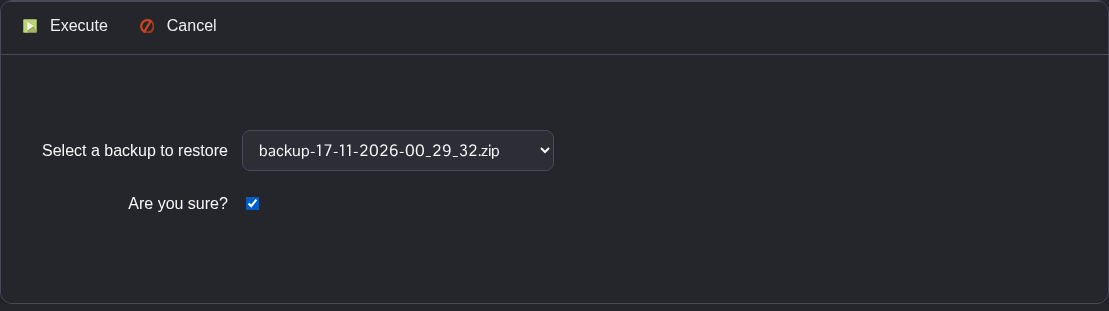
- 点击 Execute。等待脚本成功完成后,再启动服务器或进行其他更改。
- 在 Configuration Files 中使用 Text Editor 检查
Saved/Config/WindowsServer/Game.ini,然后启动服务器。
存档可能包含游戏文件和设置。自存档日期以来更改过的文件可能会被较早的版本替换。
