通过用于启动 The Front 的自定义命令行配置文件设置服务器名称。
- 停止 The Front 服务器,并等待显示 Stopped。
- 打开 Commandline Manager。点击你所用自定义配置文件旁边的 Edit。如果还没有配置文件,点击 New 并输入说明,例如 社区设置。
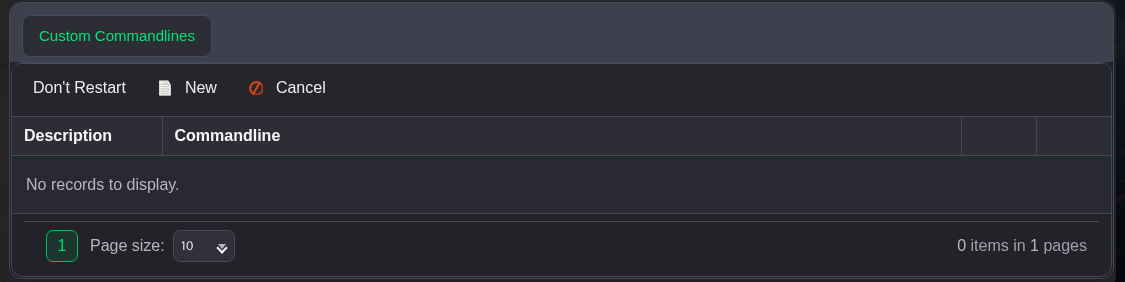
- 勾选 Server Name 左侧的复选框,然后输入你想要的名称。示例中使用 The Front Community。保留其他已选设置不变。

- 点击表单底部的 Save,然后点击该配置文件旁边的 Select。如果操作链接不在屏幕内,请将命令行表格向右滚动。
- 返回服务页面并启动服务器。
使用 Commandline Manager 设置服务器名称。它的启动设置优先级高于 ServerConfig_Logicservers.ini 中的 ServerName。
