如何为你的 The Front 服务器选择 PvP 或 PvE

列印
  • 0

在命令行配置文件中选择服务器战斗模式。面板提供 PvP 和 PvE 选项。

  1. 停止 The Front 服务器,并等待显示 Stopped。
  2. 打开 Commandline Manager。点击你正在使用的自定义配置文件旁边的 Edit。如果你还没有配置文件,点击 New 并填写说明,例如 Community settings。
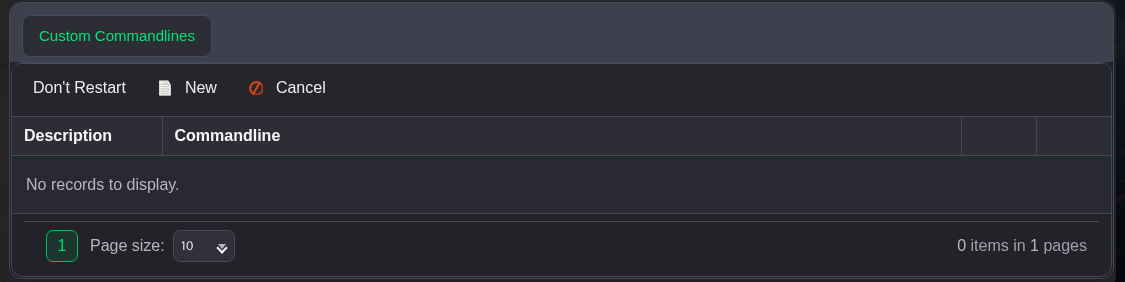
    The Front Commandline Manager 中的新建自定义配置文件控件

  3. 勾选 Server Fight Mode 旁边的复选框,然后从列表中选择 PvE 或 PvP。保留其他已选设置。

    已选中 The Front 的 Server Fight Mode,并选择了 PvE

  4. 点击表单底部的 Save,然后点击该配置文件旁边的 Select。如果操作链接不在屏幕上,请向右滚动命令行表格。
  5. 返回服务页面并启动服务器。

這篇文章有幫助嗎?

相關文章

« 返回

Follow us on Social Media

Stay in the loop! Follow our social media accounts and stay up-to-date with the latest news, announcements, tips & tricks and behind-the-scenes insights!