您可以使用文件管理器将本地Dragonwilds存档上传到服务器。如果存档较大,请改用SFTP:如何使用FileZilla连接到SFTP。
上传存档
- 首先备份服务器。
- 停止服务器。
- 打开文件管理器。
- 打开RSDragonwilds,然后打开Saved,再打开SaveGames。
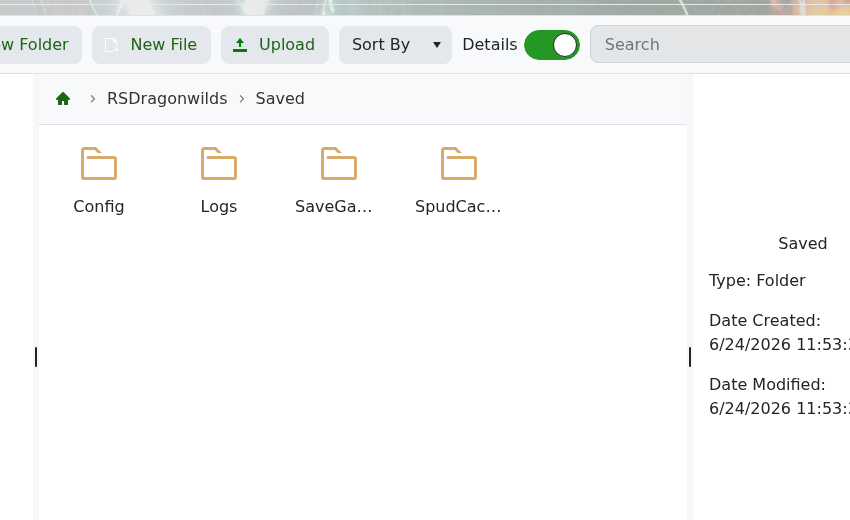
- 将您的存档文件夹或存档文件上传到
SaveGames。 - 打开DedicatedServer.ini并将
DefaultWorldName设置为您希望服务器加载的世界名称。 - 启动服务器并检查世界是否加载。
在确认上传的世界正常工作之前,请保留原始存档的备份。如果您只是切换现有世界,请使用此指南:如何更改您的Dragonwilds服务器运行的世界。
