Dragonwilds使用DedicatedServer.ini中的DefaultWorldName来选择服务器加载的世界存档。此设置不会显示在配置编辑器中,因此请使用文本编辑器进行更改。
如果该世界尚未在服务器上,请先上传:将本地存档文件上传到您的Dragonwilds服务器。如果您想创建一个新的世界,请使用:如何重置Dragonwilds服务器上的世界。
更改世界名称
- 在控制面板中打开您的Dragonwilds服务器,然后点击左侧菜单中的配置文件。
- 找到
DedicatedServer.ini,然后点击文本编辑器。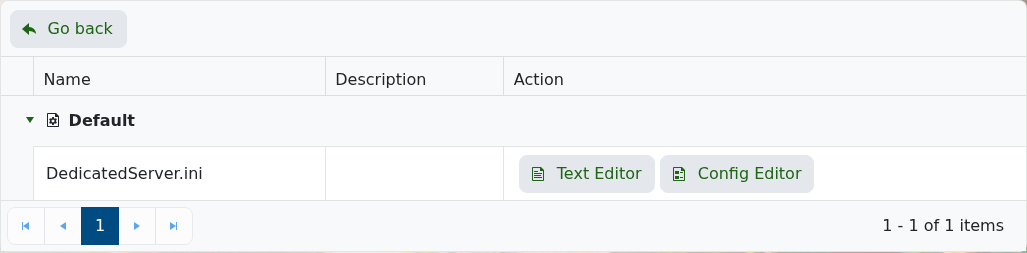
- 找到
DefaultWorldName这一行,并将=后的值更改为您希望服务器加载的世界名称。默认值通常是LogicServers,但如果您之前更改过,它可能会有所不同。DefaultWorldName=LogicServers
- 点击保存并退出,然后重启服务器。
世界名称必须与服务器上的存档文件夹匹配。Dragonwilds的存档保存在RSDragonwilds/Saved/SaveGames中。
