自动安全更新可以帮助Linux VPS保持更新,而无需您每天手动运行更新。它们对于面向公众的VPS服务器非常有用,但在进行重大软件更改之前,您仍应进行备份。
自动更新最适合用于安全补丁。它们不能替代游戏服务器、面板、数据库或大型应用程序升级的计划维护。
Ubuntu或Debian
- 安装unattended upgrades:
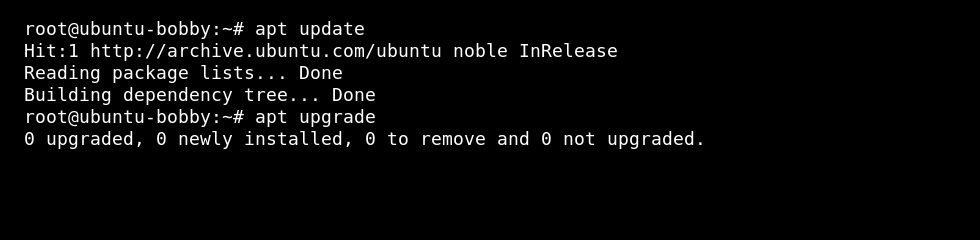
sudo apt update
sudo apt install unattended-upgrades
- 启用提示:
sudo dpkg-reconfigure unattended-upgrades
当被问及是否自动下载和安装稳定更新时,选择是。
如果需要调整行为,请检查配置:
sudo nano /etc/apt/apt.conf.d/50unattended-upgrades
AlmaLinux、Rocky Linux、Oracle Linux或CentOS
sudo dnf install dnf-automatic
sudo systemctl enable --now dnf-automatic.timer
在依赖之前检查配置文件:
sudo nano /etc/dnf/automatic.conf
对重启敏感的服务
安全更新可能会替换正在运行的服务所使用的库。如果需要,请在安静时段安排手动重启游戏服务器、Web服务器和数据库。
如果您运行的是高度修改的游戏服务器或自定义应用程序,请在安静时段测试更新,并在进行重大更改之前保持备份。
