Create an Empyrion backup before updating, restoring files, changing scenarios, uploading saves, or editing important YAML files. Backups give you a restore point if a world, scenario, or configuration change does not work as expected.
Create A Backup
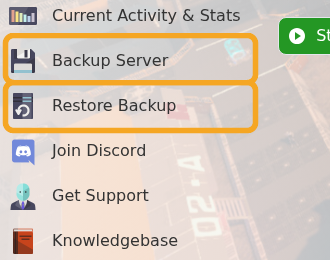
- Open your Empyrion server in the control panel.
- For the cleanest backup, stop the server first. This is recommended before major updates or scenario changes.
- Click Backup Server.
- Wait for the backup task to finish before making changes.
- Start the server again if you stopped it.
For routine small edits you can usually keep the server online, but stopping first reduces the chance of files changing while the backup is being created.
Before you continue
Wait for the backup task to finish before making changes. If the backup was taken before a risky edit, keep a note of the time so you can identify the correct restore point later.
If the backup fails
Refresh the control panel and check whether another task is already running. If it fails again, stop before changing files and submit a support ticket with your server name and the backup error shown in the panel.
