Blackwake admins are configured in Admin.txt with a display name and SteamID64.
- Find your 17-digit SteamID64, then open the Blackwake service and stop it.
- Click Configuration Files and open the
Admin.txtConfig Editor. - Click Add Admin, enter a simple name and paste the SteamID64.
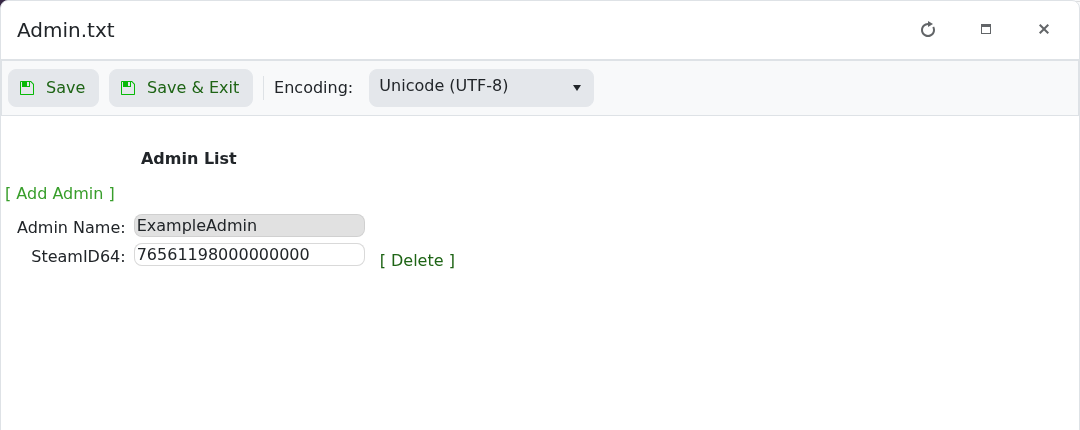
- Click Save & Exit, start the server and reconnect.
Names are labels for the entry; the SteamID64 identifies the account. Avoid symbols in the name, and use Delete beside an entry when access should be removed.
