Scorched Earth changes the server into ARK's desert-focused DLC map, with heat, storms, wyverns, and different survival pressure than The Island. Set the command-line map value to ScorchedEarth_P so the server loads the DLC map on startup.
- Create a backup first so you can roll back the previous map save if needed: Backing up and restoring world and player data on your ARK server.
- Go to your ARK server in the control panel.
- Select Commandline Manager.
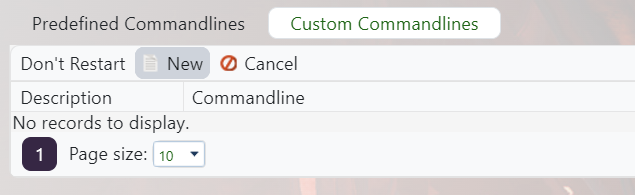
- Edit the active command line, or make a new Scorched Earth command line if you swap maps often: Creating a custom command line on your ARK server.
- Tick the Map checkbox and enter
ScorchedEarth_Pas the map value.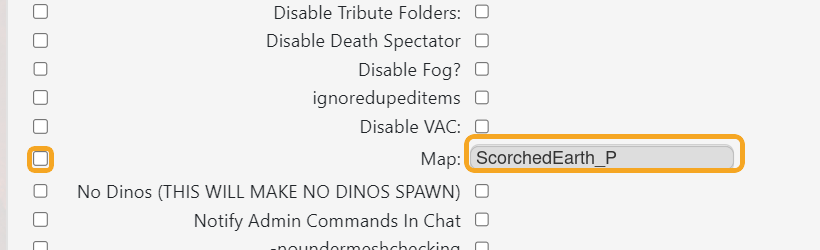
- Save, click Select on that command line, then restart the server.
Scorched Earth is a DLC map. Players should have the required content installed before joining, and the server must be using the ScorchedEarth_P command line.
