Blackwake's main settings are in the server.cfg Config Editor. Separate editors manage administrators, moderators and announcements.
- Open the service, take a backup and stop the server.
- Click Configuration Files. The current panel lists
server.cfg,Admin.txt,Mod.txtandServerAnnouncements.txt.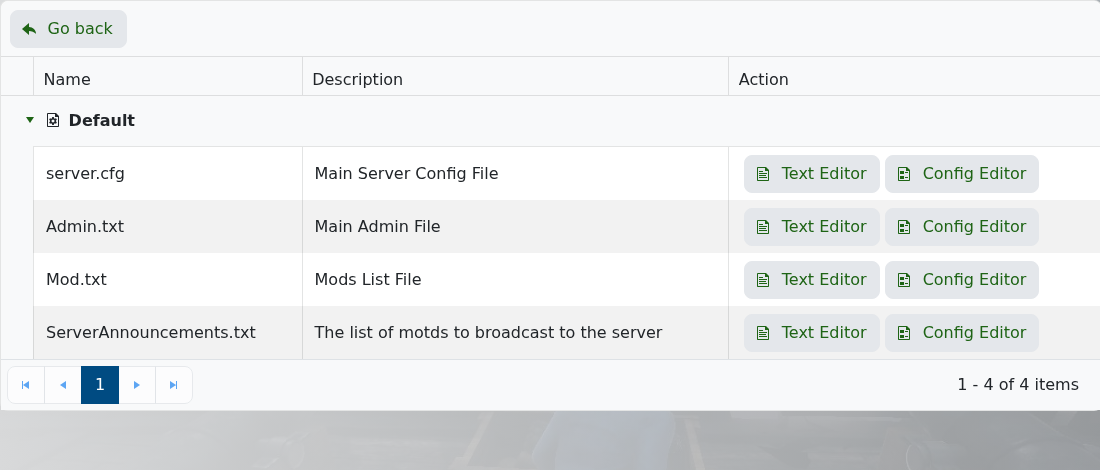
- Open the appropriate Config Editor, change only the settings you need and click Save & Exit.
- Start the server and test the result before making another group of changes.
The server.cfg editor covers the server name, password, game mode, restart hour, ship speed, player update rate, server-list visibility and friendly-fire options.
