Messages in ServerAnnouncements.txt are broadcast to players as server announcements.
- Open the Blackwake service and stop it.
- Click Configuration Files, then Config Editor beside
ServerAnnouncements.txt. - Click New Announcement and enter the message.
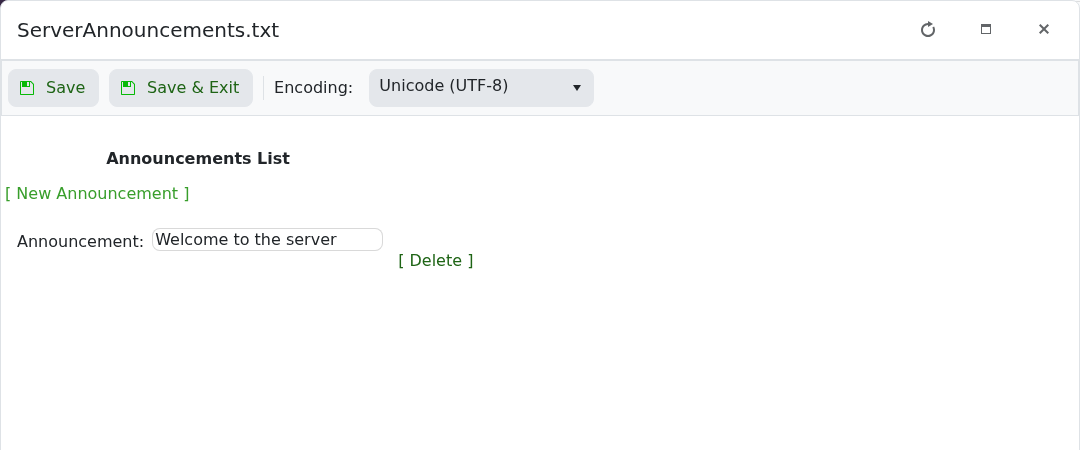
- Add any other messages, then click Save & Exit and start the server.
Keep announcements short enough to read during play. Use Delete beside an entry to remove an old message.
