Dark and Light keeps its server settings in three configuration files. Use their Text Editors so you can change the exact values already in the live file.
- Open the service, create a backup and stop the server.
- Click Configuration Files. The current service provides
Engine.ini,Game.iniandGameUserSettings.ini.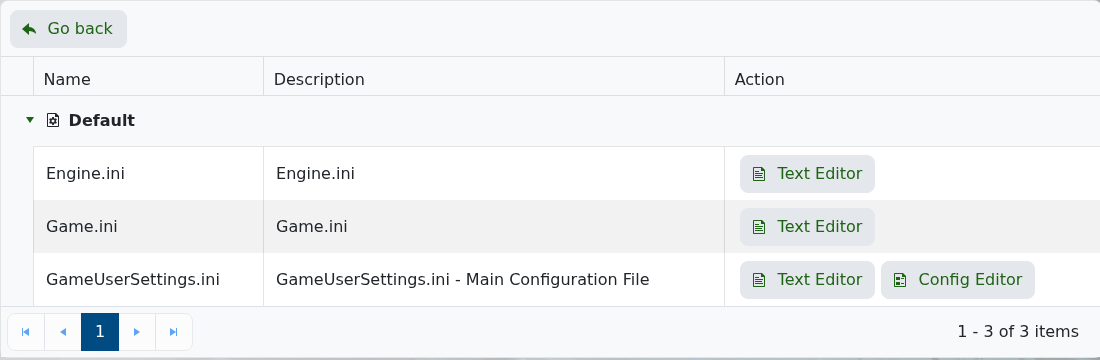
- Click Text Editor beside the file you need and change only the required lines.
- Keep every section heading and the existing
Setting=Valueformat, then click Save & Exit. - Start the server and test the result before changing another group of settings.
Use GameUserSettings.ini for the server name, passwords and most gameplay values. The current Config Editor can offer defaults for variables it cannot read, which may replace existing values when saved, so use the Text Editor unless support specifically tells you otherwise.
