Your Hurtworld service page shows the address used to connect and a Join button when the server is running.
- Open the Hurtworld service and wait until its status is Running.
- Find the full IP address and port under Connection Info.
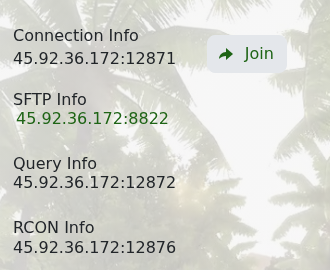
- Click Join to open Hurtworld through Steam.
- If prompted in game, select the server and connect.
If the server does not respond, wait a few minutes after startup and refresh the service page. Check that Hurtworld is fully updated on your computer and run Steam Update on the server if the versions differ.
