Run Steam Update after a Miscreated patch or when a player's client reports a version mismatch.
- Back up and stop the server.
- Click Steam Update.
- Wait for the update task to finish, then start the service.
- Update Miscreated through Steam on your own computer before reconnecting.
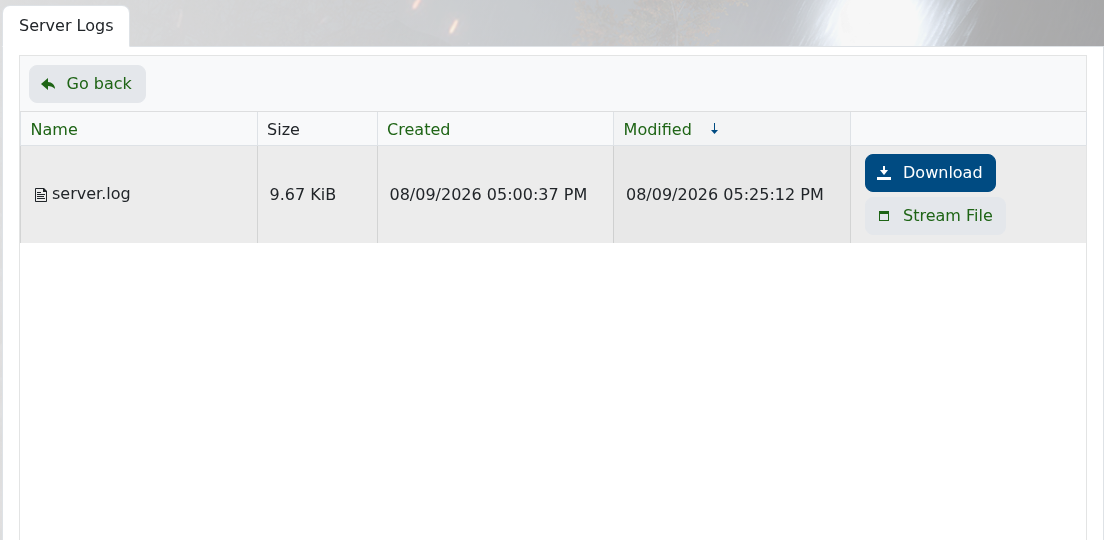
If the service stops again after the update, open Log Viewer and begin with the first new error. Temporarily remove recently added Workshop IDs if the base server starts but a modded server does not.