These "How to upload files to your Minecraft server" steps are for Multicraft services. Newer Minecraft servers use a different panel, and the up-to-date guide is: How to upload files to your Minecraft server.
Uploading files to your Minecraft Server is easy with our control panel and can be done on the web, so there is no having to mess around and download a program. This makes it quick and easy to upload mods, plugins, config files, anything you want really!
If you really do want to download a program instead, or prefer doing it over FTP, please see our How to connect to FTP guide.
Step 1
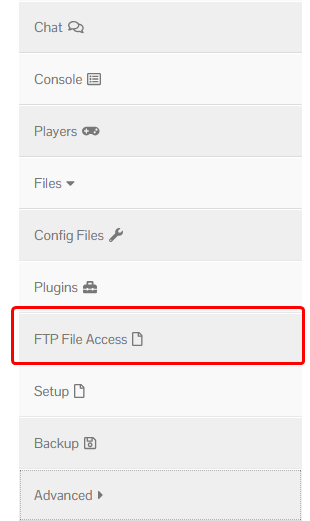
Open up your dashboard, and expand the ‘Files’ category. Then, open the ‘FTP File Access’ page.
Step 2
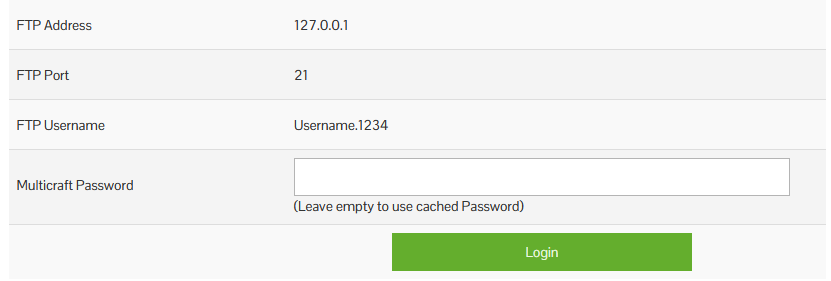
Log in using the same password you use to log in to your panel.
Step 3
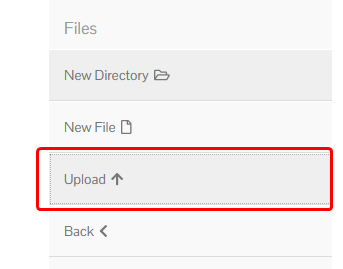
Click the ‘Upload’ button, and select the files you wish to upload.
You can also drag and drop from your File Explorer or Finder directly in to our control panels window to upload files!