Update the dedicated server when Longvinter releases a new version, especially when players have updated their game and can no longer connect to an older server.
- Log in to your game control panel, open your Longvinter service and click Stop. Wait until the server has stopped.
- Download your settings from
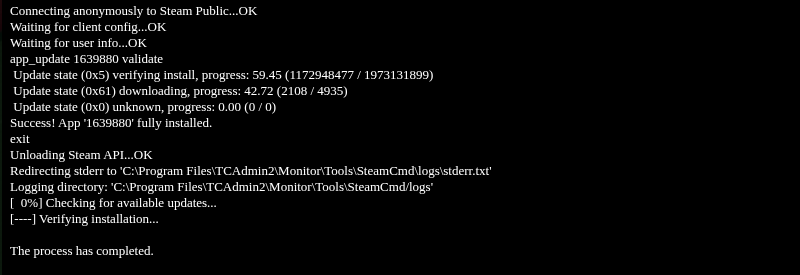
Saved/Configand your saves fromSaved/SaveGamesthrough File Manager, or use FTP. Keep these copies until you have checked the server after updating. - Click Steam Update and confirm with OK. SteamCMD runs on the page that opens. Wait for the completion message before leaving it.
- Return to the service page and click Start. Open Log Viewer and check
Longvinter.logfor the new startup and successful session creation. - Have players update Longvinter through Steam before reconnecting.
