XP, loot, and block damage rates are part of the 7 Days to Die sandbox options. On current dedicated server configs, these are bundled into SandboxCode.
That means the safest way to change these settings is to generate the code in-game, then paste it into your server config. This avoids broken or mismatched values.
In the control panel, open Configuration Files and edit serverconfig.xml.
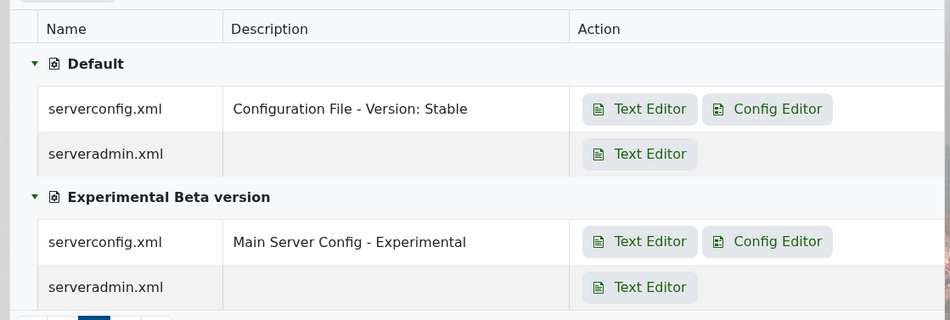
Find the SandboxCode setting near the bottom of the file.
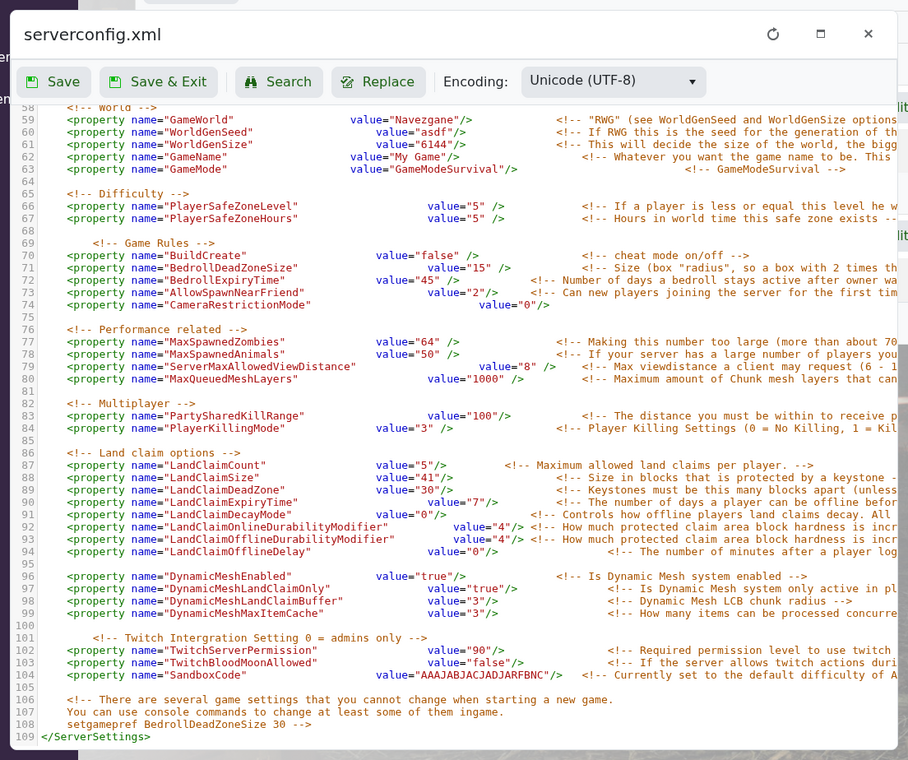
The line looks like this:
<property name="SandboxCode" value="AAAJABJACJADJARFBNC"/>
Open 7 Days to Die and start creating a new game. Set the XP multiplier, loot settings, block damage, and any other sandbox options you want. Copy the sandbox code from the game, then paste it into your server's SandboxCode value.
Save the file and restart the server. Take a backup before changing balance settings on an existing world, especially if players have already explored or looted a lot of the map.
