Creative mode and debug tools are useful for testing, building, or fixing problems, but they should only be available to trusted admins. Do not leave these enabled on a public server unless you know exactly who has access.
First, make sure the player is an admin. If they are not, add them through serveradmin.xml using the admin guide.
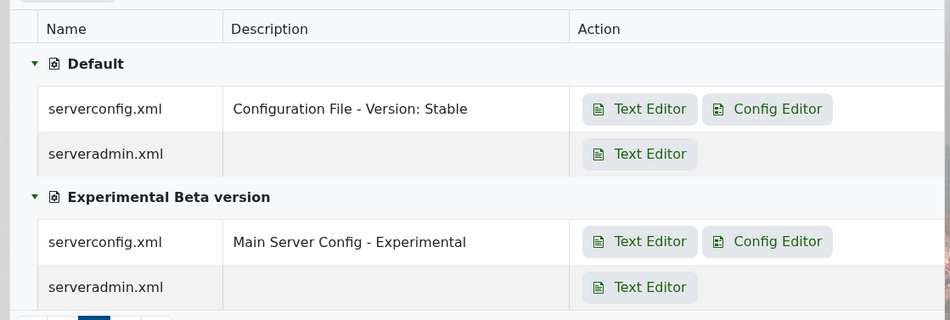
Next, open Configuration Files in your control panel and edit serverconfig.xml.
Scroll to the game rules section and find BuildCreate.
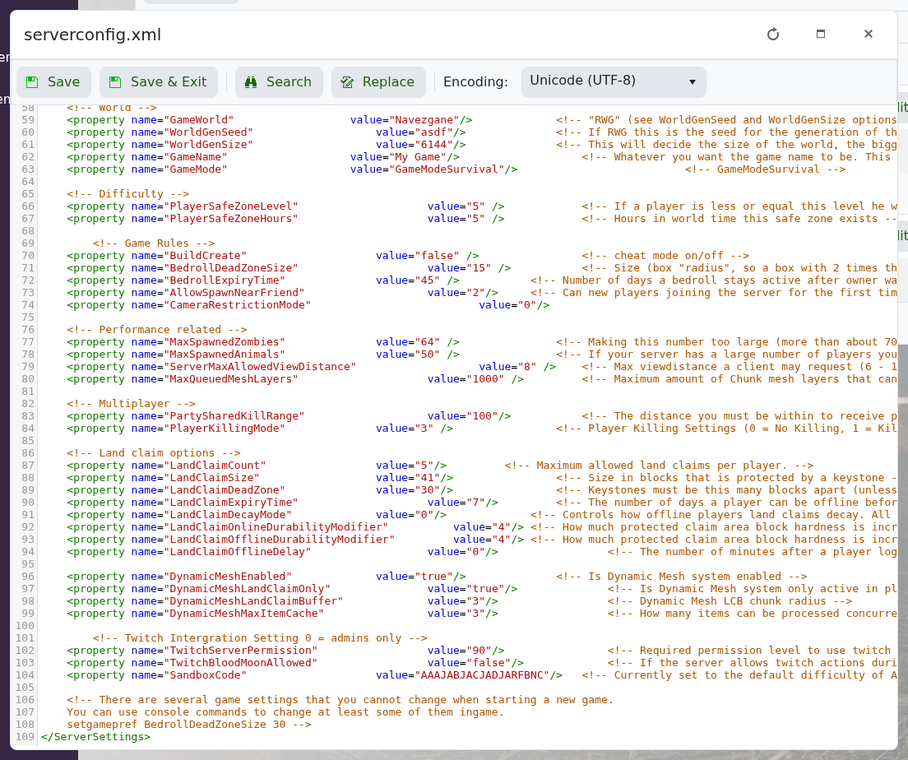
Set it to true:
<property name="BuildCreate" value="true" />
Save the file and restart the server.
In-game, an admin can open the console and use:
cm
This toggles the creative menu.
Debug mode can be toggled with:
dm
When you are finished, set BuildCreate back to false and restart the server again.
