Windrose uses an invite code to let players join your server. The game can generate this after the server starts successfully, but you can also set your own code in the control panel.
Find Or Set The Join Code
- Open your Windrose server in the control panel.
- Click Configuration Files on the left side menu.
- Find
ServerDescription.json, then click Config Editor. - Find the Invite Code field.
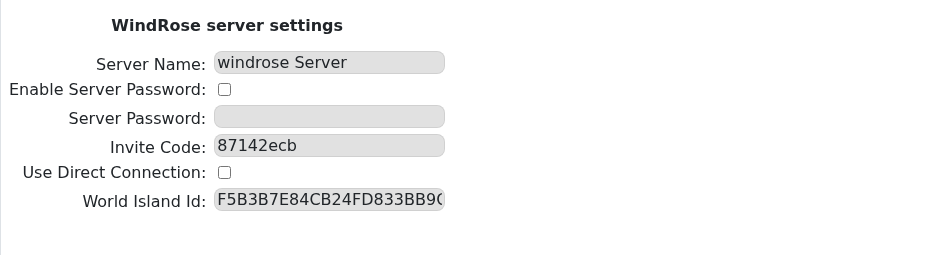
- If the field already has a code, copy it and send it to the players you want to join.
- If the field is blank, enter a new code. Use at least 6 letters or numbers, with no spaces.
- If you changed the code, click Save & Exit, then restart the server.
Players can use the code with this guide: How to join a Windrose server.
