
Valhalla is installed as Workshop content, then selected from the ARK startup options using the map name required by the map author. Valhalla is a Workshop map, so the server needs both the Workshop download and the matching startup map value. This article uses Valhalla as the exact example rather than a generic map install.
- Back up the server before installing Valhalla, as custom maps can change what save data the server creates: Backing up and restoring world and player data on your ARK server.
- Open Valhalla on Steam Workshop and copy the Workshop ID
504122600from the URL. - Check the Workshop description for Valhalla's current map value and any dependency notes. For this guide, the map value is
Valhalla. - In the control panel, open Install Mods, enter
504122600, and run the install.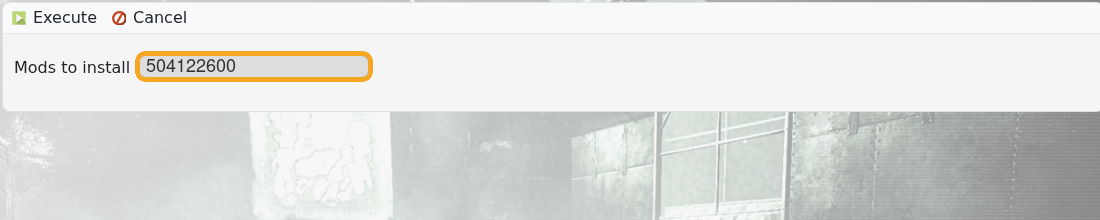
- Let the install task finish before changing startup settings.
- Open Commandline Manager and create a Valhalla startup profile if you do not already have one: Creating a custom command line on your ARK server.
- Enable the Map field and enter
Valhalla.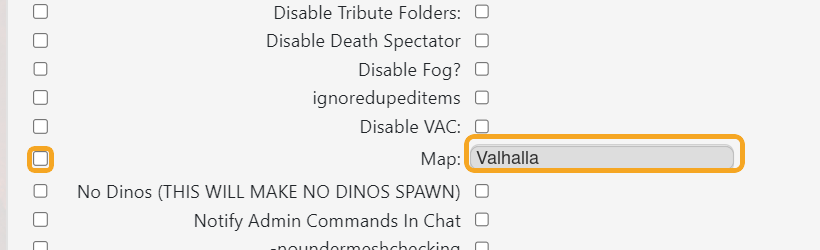
- Save, select the Valhalla command line, and restart the server.
If Valhalla installs but the server still boots another map, the Workshop files are present but the selected command line is still wrong.


