Defina o nome do servidor em Game.ini. Use underscores em vez de espaços no nome que introduzir.
- Pare o seu servidor de Path of Titans e aguarde até aparecer Stopped.
- Abra Configuration Files e clique em Text Editor junto a
Game.ini.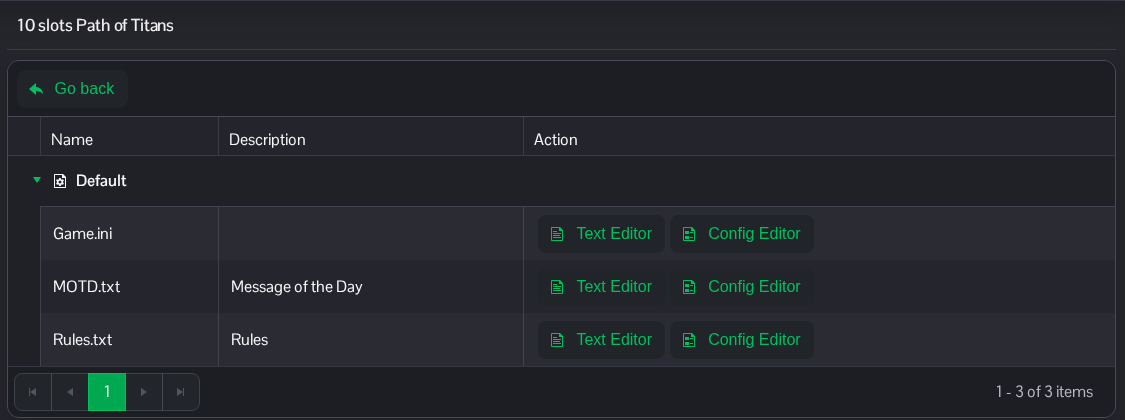
- Altere
ServerNamesob o cabeçalho existente[/Script/PathOfTitans.IGameSession]. O exemplo é apresentado como Titans Community. Mantenha as restantes entradas no lugar.[/Script/PathOfTitans.IGameSession] ServerName=Titans_Community
- Clique em Save & Exit e, em seguida, inicie o servidor.
O mesmo ficheiro está disponível no File Manager, em Saved/Config/WindowsServer/Game.ini. FTP é uma alternativa para transferências de ficheiros.
