Dark and Light 将其服务器设置保存在三个配置文件中。请使用它们的文本编辑器,这样您就可以更改正在使用的文件中的精确数值。
- 打开服务,创建备份并停止服务器。
- 点击 Configuration Files。当前服务提供
Engine.ini、Game.ini和GameUserSettings.ini。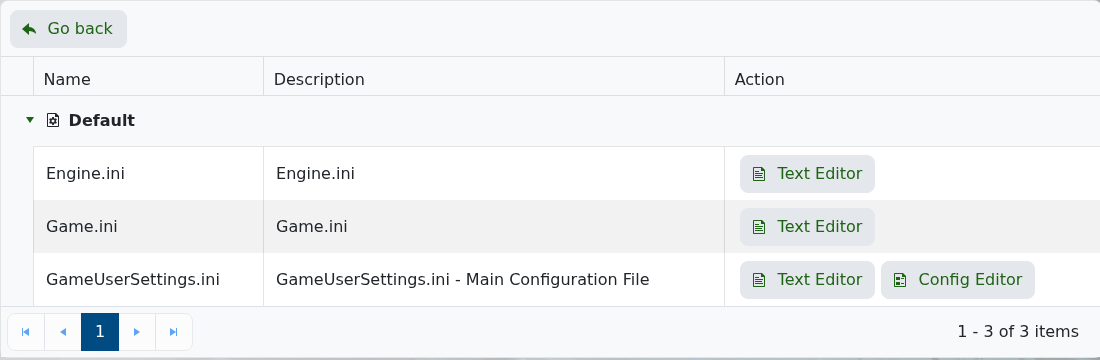
- 在所需文件旁点击 Text Editor,只更改必要的行。
- 保留每个节标题和现有的
Setting=Value格式,然后点击 Save & Exit。 - 启动服务器并测试结果,然后再更改另一组设置。
将 GameUserSettings.ini 用于服务器名称、密码和大多数游戏性参数。当前的 Config Editor 可能会为其无法读取的变量提供默认值,这些默认值在保存时可能会替换现有值,因此除非支持明确告知,否则请使用 Text Editor。
