擦除操作会永久删除 Dark and Light 的存档数据,使服务器可以创建一个新的世界。如果日后可能需要其中的任何内容,请先制作可用的备份。
- 打开服务,停止服务器并创建备份。
- 单击 Wipe Server。
- 勾选 Wipe the world? 以生成新的世界;仅在打算删除所有保存的数据文件时才勾选 Remove ALL saved data?。
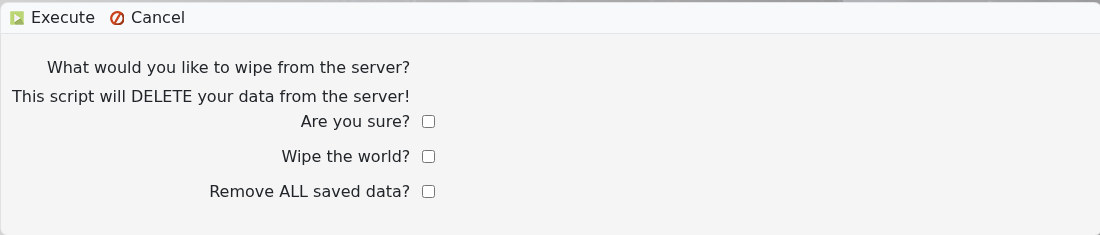
- 确认所选选项,勾选 Are you sure?,然后单击 Execute。
- 等待任务完成,然后启动服务器并确认新的世界已加载。
常规世界重置时不要选择 “Remove ALL saved data?” 选项。如果没有可用的备份,擦除操作无法撤销。
