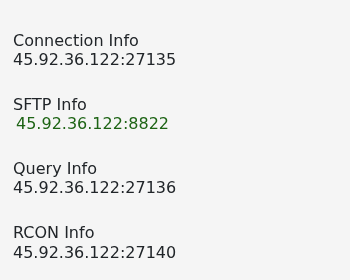
您的服务器会以 cluster.ini 中设置的名称出现在 Don't Starve Together 的 Browse Games 列表中。
- 打开服务并等待其状态显示为 Running。
- 从 Configuration Files >
cluster.ini> Config Editor 中记下服务器的准确名称。 - 启动 Don't Starve Together,点击 Play,然后打开 Browse Games。
- 按准确的服务器名称进行搜索,选中它然后点击 Join。
- 如果服务器设置了密码,请输入密码加入。
如果服务器没有出现在列表中,请在启动后等待几分钟,并移除与服务器游戏模式或密码设置冲突的筛选器。服务页面还会显示支持人员在检查列表问题时需要的连接和查询地址。