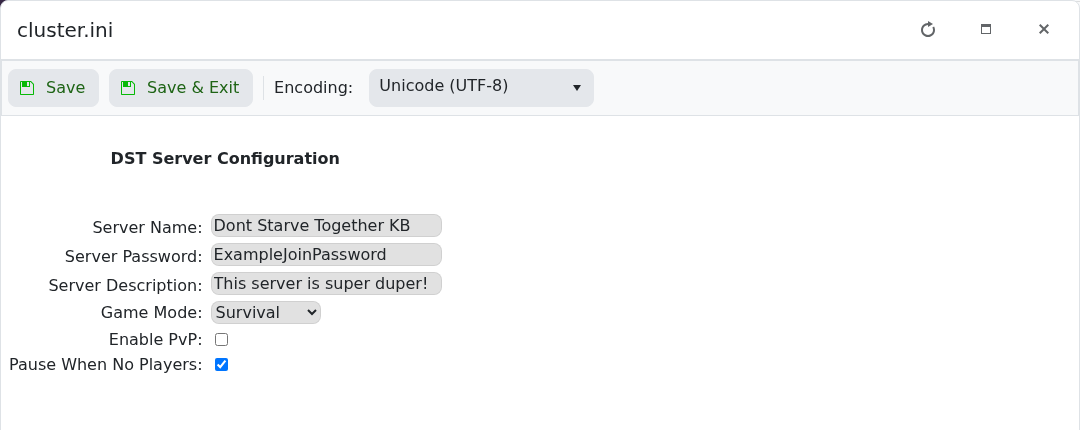
cluster.ini Config Editor 控制服务器的游戏模式、PvP 以及当无人连接时世界是否暂停。
- 打开服务,创建备份并停止服务器。
- 点击 Configuration Files,然后在
cluster.ini旁点击 Config Editor。 - 选择所需的 Game Mode。Survival 是标准体验,Endless 允许玩家死后重新进入世界,Wilderness 会为每位加入的玩家随机生成出生点。
- 只有当玩家应能相互伤害时才勾选 Enable PvP。
- 选择是否勾选 Pause When No Players,然后点击 Save & Exit.
- 启动服务器并加入以检查结果。
更改这些集群设置不会重新生成已存在的世界。世界生成选项需要单独的世界配置,除非你打算创建或迁移世界,否则不应更改它们。
