面板可以安装 ModAPI 的专用服务器版本。请先备份:此操作会更改游戏文件,只应使用明确标注为用于专用或多人服务器的 mod。
- 停止服务器并创建备份。
- 单击 Mod Manager。
- 找到 ModAPI 并单击 Install。
- 等待其状态显示为 Installed.
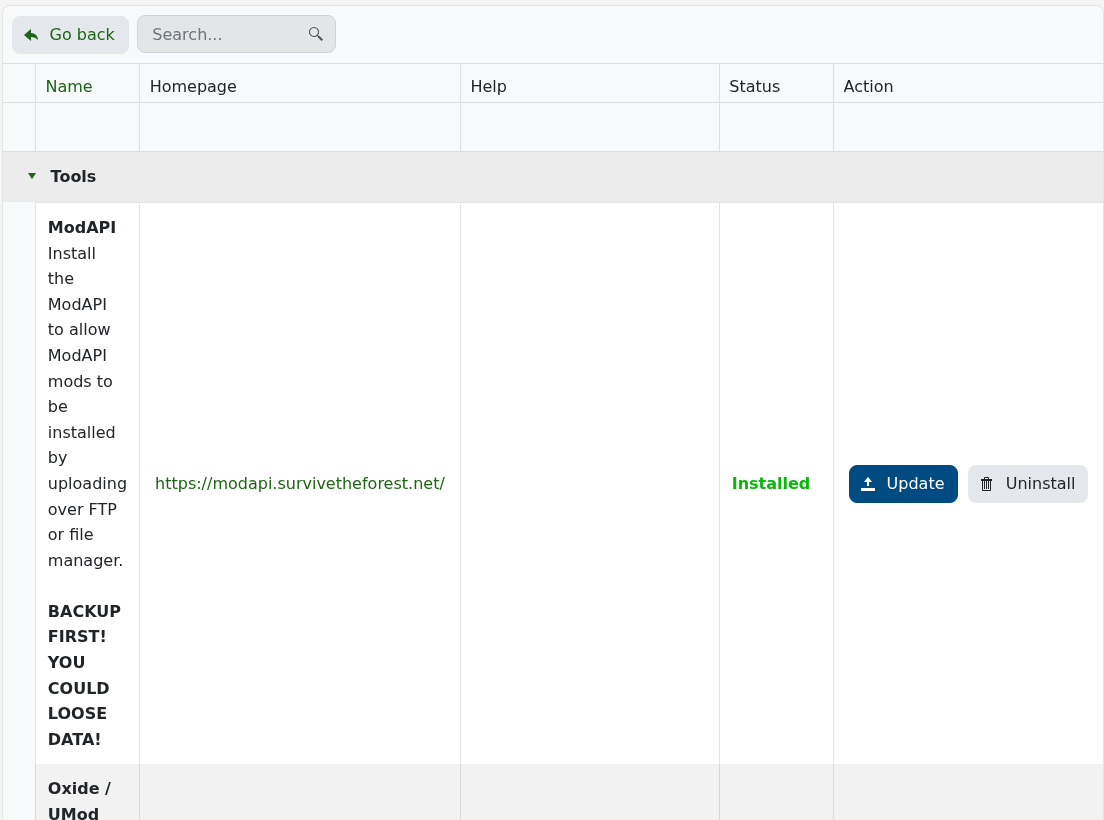
- 返回 Configuration Files。安装程序会添加
UserConfiguration.xml用于 ModAPI 的配置。 - 通过 File Manager 或 FTP 上传仅与专用服务器兼容的 mod 文件,然后启动服务器并检查 ModAPI 日志。
许多 The Forest 的 mod 仅适用于客户端。在上传任何内容之前请查看作者的兼容性说明,并且一次只添加一个 mod,以便出现启动故障时更容易排查。
