使用服务器日志来调查启动失败、崩溃以及玩家无法找到服务器的问题。
- 重现一次问题并记录时间。
- 在服务器操作中打开 日志查看器。
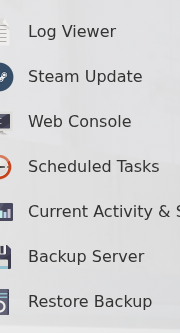
- 打开最新的 Abiotic Factor 日志,查找最近一次启动尝试中的第一个错误。
- 要进行更详细的查看或提交支持工单,请从
Saved/Logs下载日志。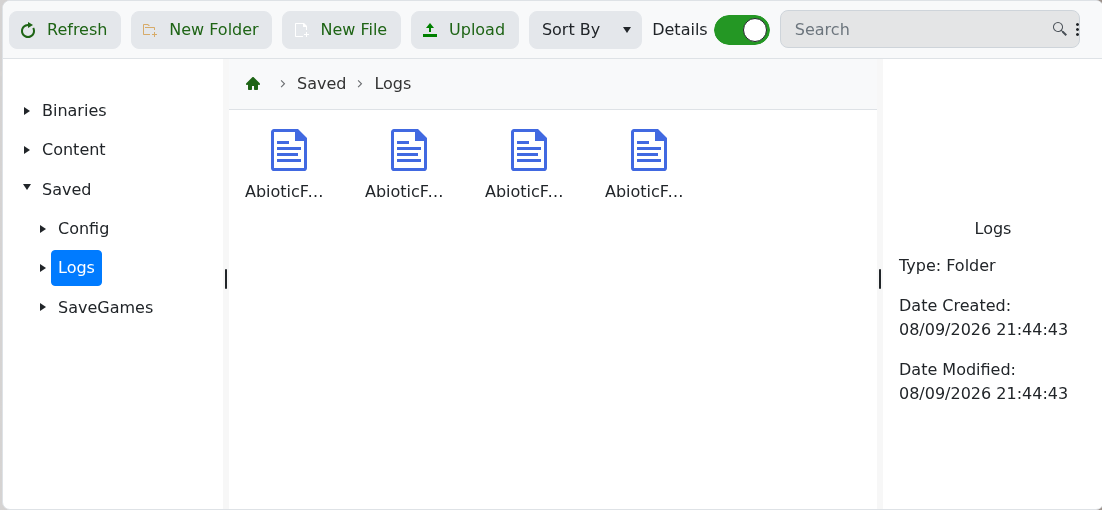
查看第一个相关错误,而不仅仅是最后重复的那一行。在联系支持时,附上该部分内容、尝试时间以及最近一次所做的更改。
使用服务器日志来调查启动失败、崩溃以及玩家无法找到服务器的问题。
Saved/Logs 下载日志。
查看第一个相关错误,而不仅仅是最后重复的那一行。在联系支持时,附上该部分内容、尝试时间以及最近一次所做的更改。
