加入密码可以让你的 Fear the Night 服务器仅供受邀者使用。它与管理员密码是分开的。
- 在游戏控制面板中打开你的 Fear the Night 服务器,然后点击 Stop。等待状态变为 Stopped。
- 打开 Configuration Files,然后点击
GameUserSettings.ini旁边的 Text Editor。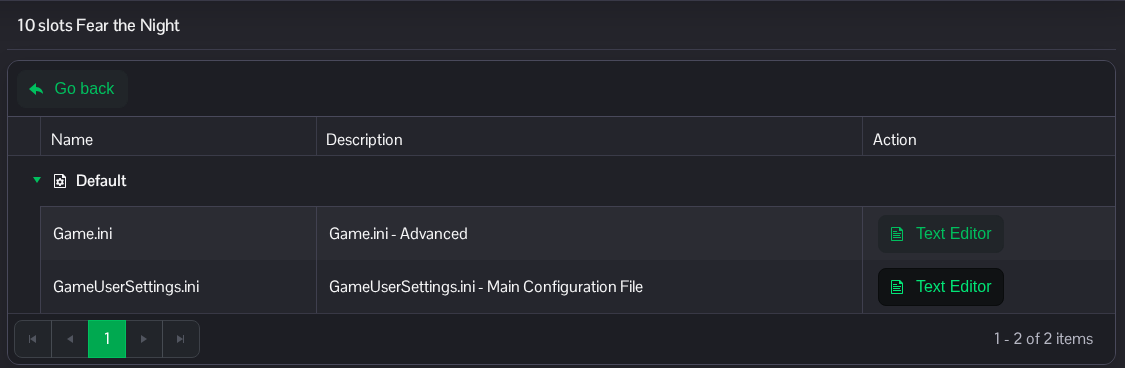
- 找到
[ServerSettings]。在此标题下添加ServerPassword,或替换现有值。请使用你自己的密码,而不是下面的示例。[ServerSettings] ServerPassword=ChooseYourOwnJoinPassword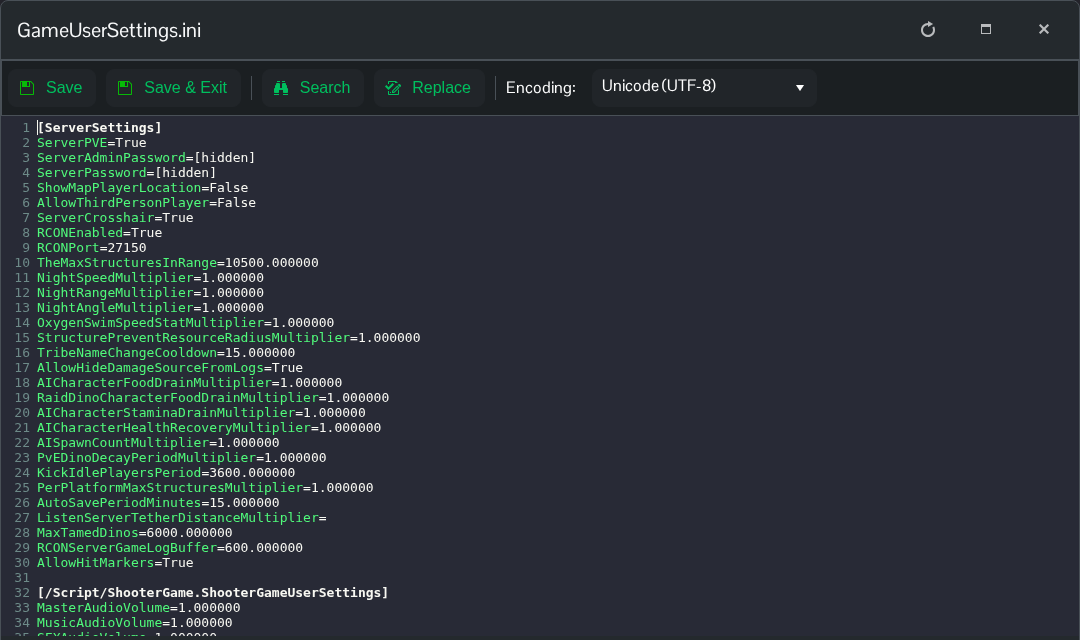
- 点击 Save & Exit,返回服务器页面,然后点击 Start。将新的加入密码告诉玩家。之后如需移除密码,将值留空,写作
ServerPassword=,然后再次重启服务器。
你也可以通过 File Manager 打开此文件,路径为 Saved/Config/WindowsServer/GameUserSettings.ini。如果你更愿意编辑下载的副本,也可以使用 FTP。
