在控制面板中运行 Steam Update,以更新 Fear the Night 服务器文件。
- 停止服务器,并在更新前创建备份。
- 打开 Steam Update。打开此页面后,更新可能会立即开始,因此请等玩家结束游戏后再进行此操作。
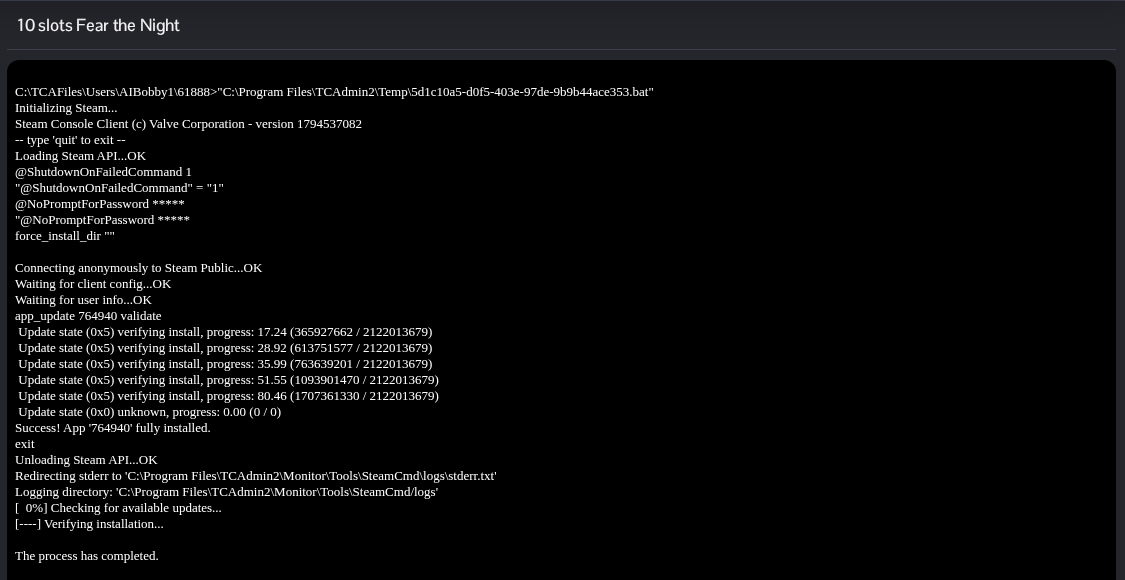
- 保持更新窗口打开,直到 SteamCMD 报告应用程序已完全安装且流程已完成。第一个更新运行期间,不要启动其他更新。
- 返回服务器页面并点击 Start。如果游戏客户端也有可用更新,请先安装,再尝试加入游戏。
在控制面板中运行 Steam Update,以更新 Fear the Night 服务器文件。
