The Front 的面板备份包含 Saved 下的文件,包括生成的世界数据和 Saved/GameStates 中的账户数据。
- 停止服务器,并等待显示 Stopped。
- 点击 Backup Server,然后点击 OK 确认。
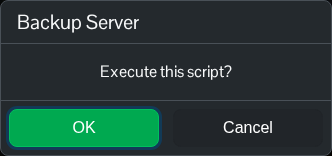
- 等待压缩、上传和脚本成功完成。
- 打开 Restore Backup,并检查列表中是否显示带有新日期的 ZIP 文件。
这些文件备份不会回滚 Commandline Manager 配置。请另外记录这些设置。Configuration Files 中的管理器 INI 文件位于 Saved 之外,也不包含在备份中;如果你修改过该文件,请另外复制其文本内容。
如需本地副本,请打开 File Manager 并进入 Saved/GameStates,查看并下载单个存档文件。也可以使用 FTP 传输整个 GameStates 文件夹及其子文件夹。
