在 Game.ini 中设置服务器名称。输入名称时,请用下划线代替空格。
- 停止 Path of Titans 服务器,并等待显示 Stopped。
- 打开 Configuration Files,然后点击
Game.ini旁边的 Text Editor。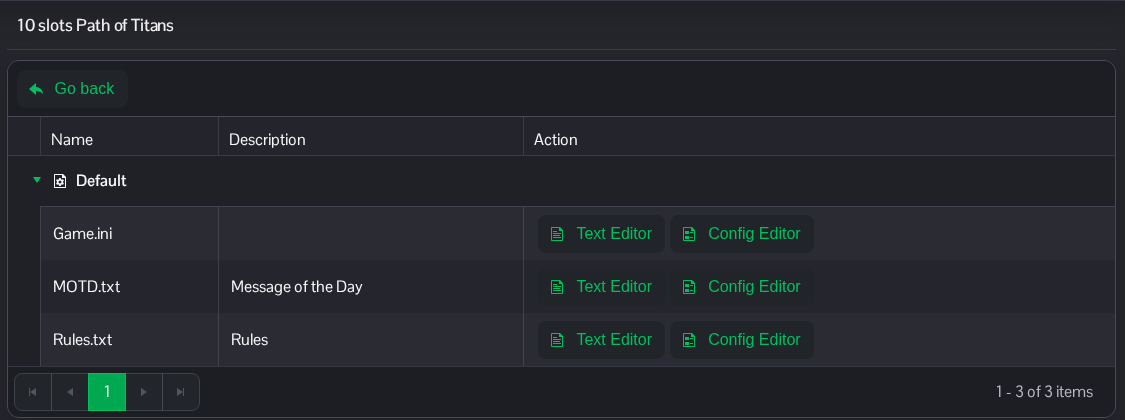
- 在现有的
[/Script/PathOfTitans.IGameSession]标题下修改ServerName。示例显示为 Titans Community。保留其他条目。[/Script/PathOfTitans.IGameSession] ServerName=Titans_Community
- 点击 Save & Exit,然后启动服务器。
也可以在 File Manager 中通过 Saved/Config/WindowsServer/Game.ini 找到该文件。FTP 也可用于传输文件。
