为你的 Path of Titans 服务器添加游戏加入密码。
- 停止你的 Path of Titans 服务器,并等待显示 Stopped。
- 打开 Configuration Files,然后点击
Game.ini旁边的 Text Editor。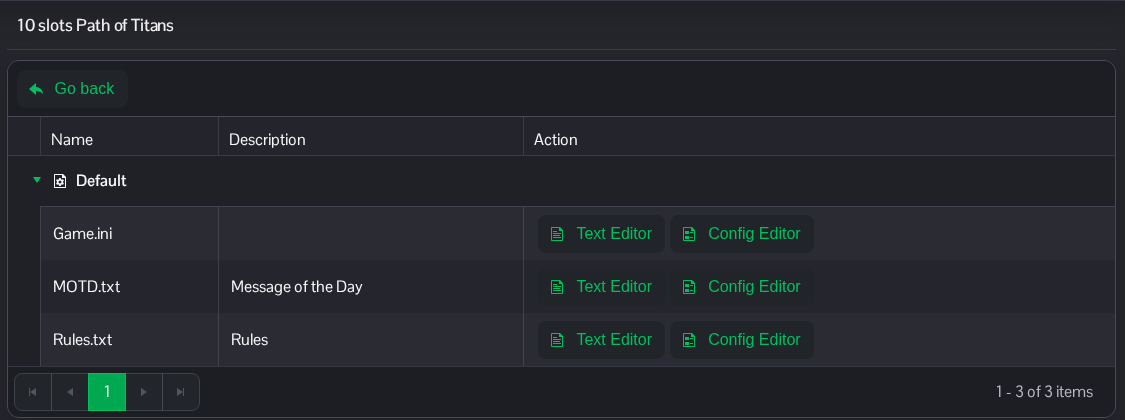
- 在
[/Script/PathOfTitans.IGameSession]下方添加或编辑ServerPassword。将示例替换为你自己的密码。保留其他条目不变。[/Script/PathOfTitans.IGameSession] ServerPassword=ChooseYourOwnJoinPassword
- 点击 Save & Exit,然后启动服务器。
将密码分享给受邀玩家。RCON 在单独的 SourceRCON 部分中使用自己的密码。
你也可以在 File Manager 中通过 Saved/Config/WindowsServer/Game.ini 找到此文件。FTP 也可用于文件传输。
