从 Path of Titans 面板中带日期的备份恢复本地文件。恢复前,请单独保存你仍需要的任何较新配置或数据。
- 停止服务器,并等待显示 Stopped。
- 打开 Restore Backup,在 Select a backup to restore 下选择带日期的 ZIP 文件,然后勾选 Are you sure?。
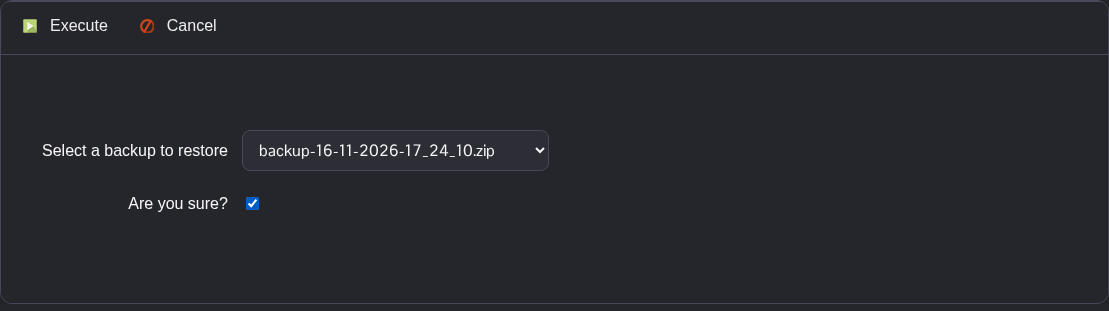
- 点击 Execute,并等待脚本报告已成功执行。
- 在 Configuration Files 中检查恢复后的
Game.ini,并在 File Manager 的Saved/DatabaseCache和Saved/SaveGames中检查本地数据。你也可以通过 FTP 访问这些文件夹。 - 检查恢复的文件后,启动服务器。
该备份压缩包会恢复其中包含的本地文件,包括已保存的设置和消息文件。压缩包不包含日志,也不会恢复 Alderon 远程数据库。
