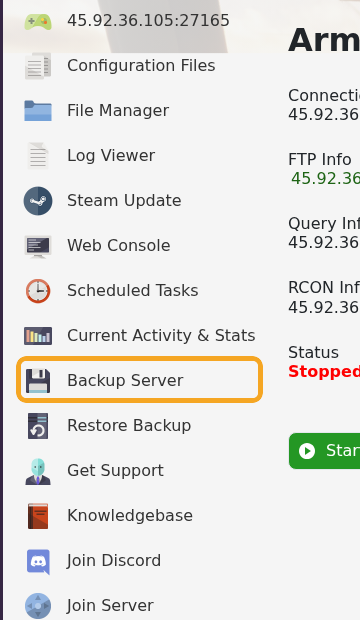
在进行更新、安装模组、配置更改、世界更改、场景更改、编辑 server_config.json 或更改 RCON 之前,请为 Arma Reforger 创建备份。备份会在服务器无法启动或存档表现异常时,为您提供还原点。
- 在控制面板中打开您的 Arma Reforger 服务器。
- 在进行重大更改之前,为了获得最干净的备份,请首先停止服务器。
- 点击 Backup Server 或打开面板的 Backups 部分。
- 如果出现提示,请确认备份。
- 在进行进一步更改之前,等待备份任务完成。
- 如果您已停止服务器,请再次启动它。
备份完成后,请保持服务器页面打开足够长的时间以确认任务已成功完成。如果您即将进行有风险的更改,也请下载所有无法承受丢失的文件。