Reinstall Mordhau when the server files are damaged or an update has left the service unable to start. A reinstall can replace installed files and modified configuration, so create a backup and download anything important before continuing.
- Open your Mordhau server in the control panel.
- Stop the server and wait until it is fully offline.
- Open More, then Service Actions.
- Click Reinstall.
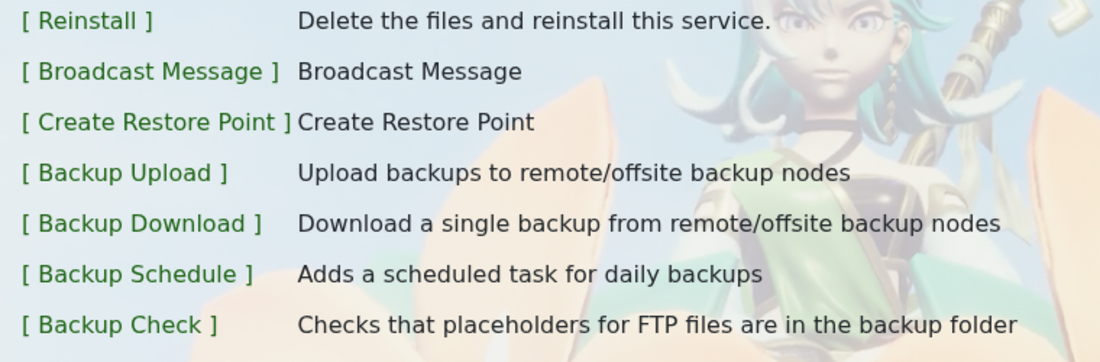
- Read the confirmation carefully, then continue only when you are sure the required files are backed up.
- Wait for the reinstall task to finish before starting the server.
- Start the server and check Web Console or Log Viewer for startup errors.
Check that the clean server starts before restoring custom files. Restore only what you still need and test after each change; if the fault returns, the last restored file may be causing it. You can follow How to restore a backup on your Mordhau server if you need to roll back.
If the reinstall task fails or the clean server still will not start, submit a support ticket with the task output and the latest console errors.
